Affichage des articles dont le libellé est WIFI. Afficher tous les articles

lundi 6 juillet 2015

Android Wear update brings support for WiFi, always-on apps and more


Android Wear update Moto 360 LG G Watch DSC06834


Google has detailed a forthcoming upgrade for Android Wear that allows users to finally break away from their phones. The big change being outed today is full support for WiFi. Whereas before you had to have your Android Wear smart watch connected to your phone via Bluetooth in order to get notifications, you can now instead have your watch connect directly to a WiFi network.

android wear always on apps


This means that if you happen to leave your phone at home, or simply somewhere far from you (such as a locker at work) you can still get notifications, send messages and everything else you do as long as both devices are connected to the internet.


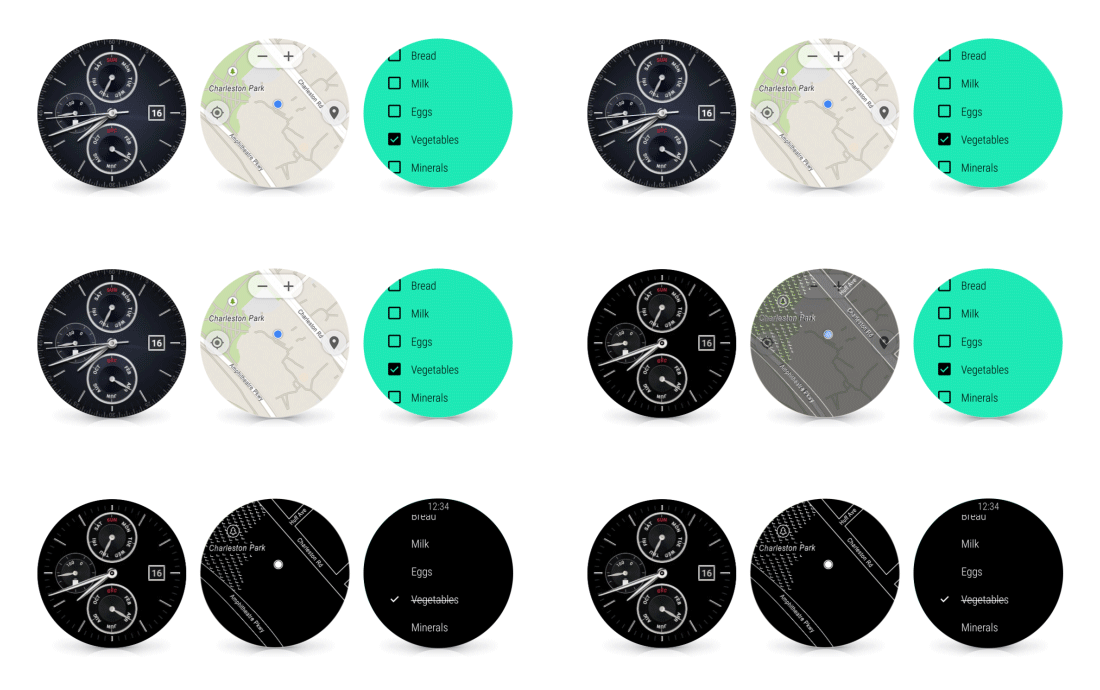
Google is also bringing support for always-on apps for any app on Android Wear. Your watch faces have already had this functionality, but it can now be implemented for any app. There are many reasons one would want to keep an app always at the ready (such as a list of instructions on how to fix, cook or install something) so this is a much welcome change.


android wear wrist gesture


Other changes include the ability to scroll through your notifications timeline by a simple flick of the wrist, an easier and quicker way to gain access to your apps and contacts (simply tap the display) and the ability to draw out emojis instead of having to speak a command. Google says the rollout will happen over the next couple of weeks beginning with the LG Watch Urbane (no real way to buy that yet so we’re not quite sure who that is useful for) so stay on the lookout!



[Updated] LG G Watch, G Watch R, and Asus ZenWatch are all missing WiFi, others safe


Chron_Watchface_Android_Wear_Phandroid
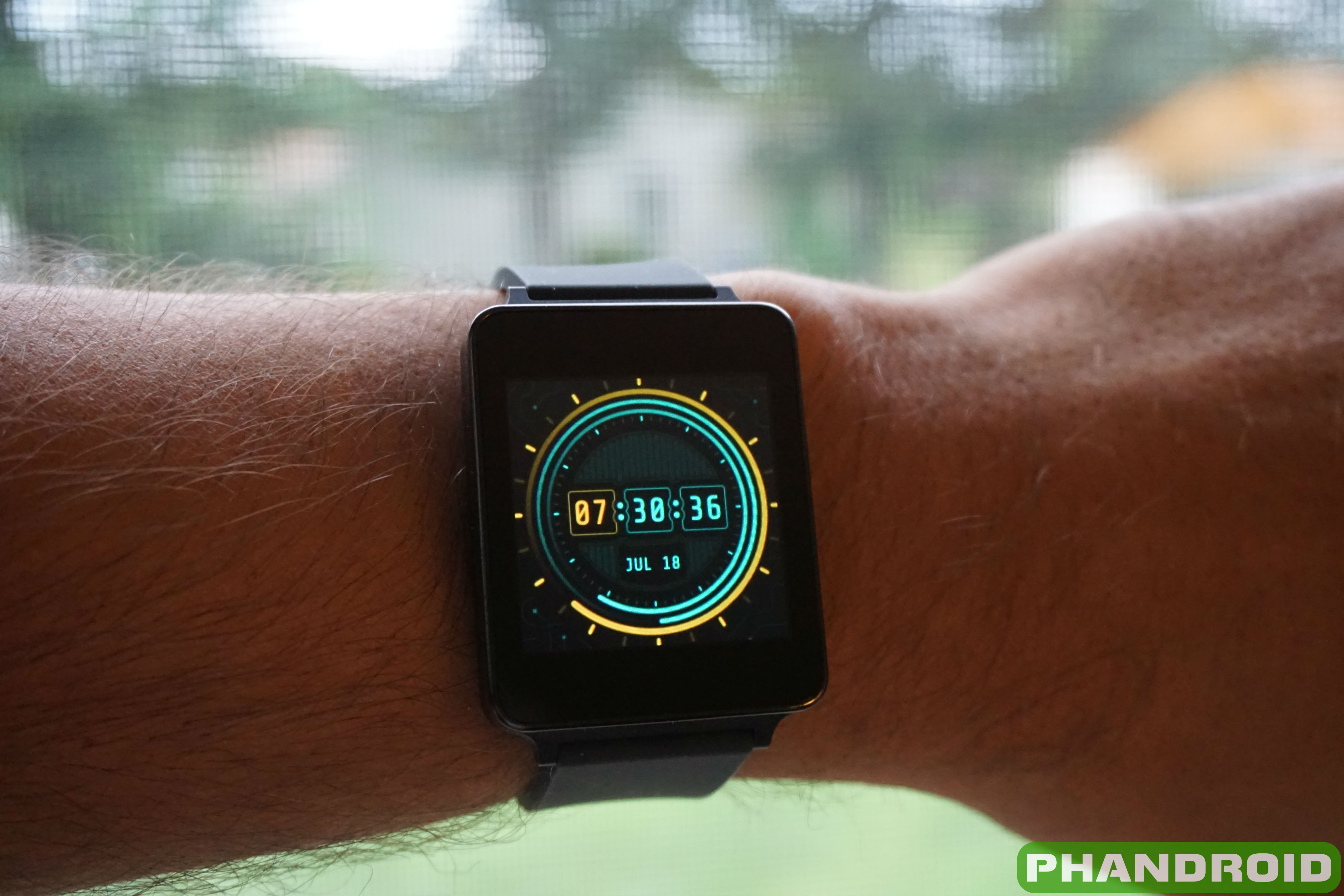
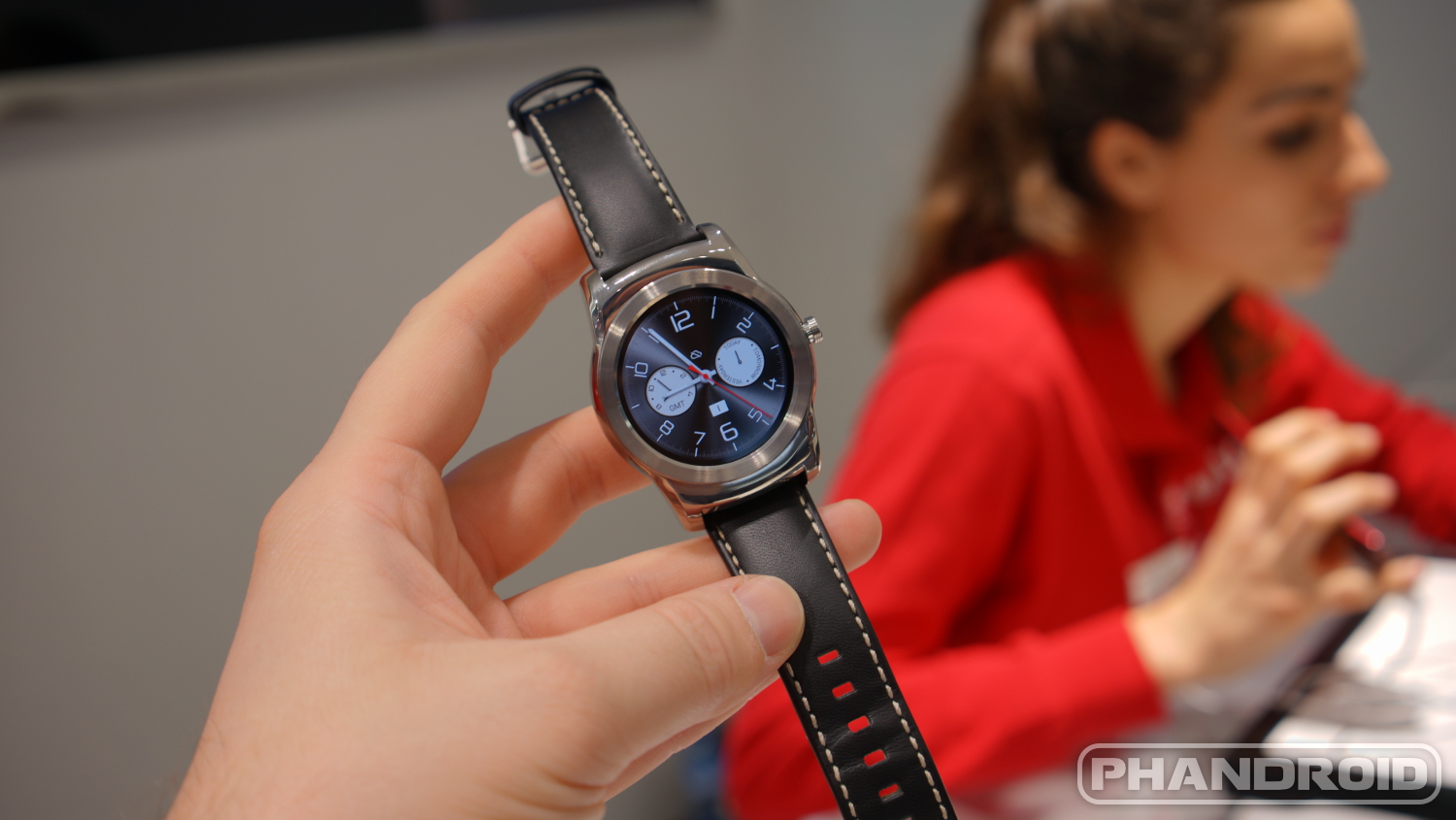
Yesterday, Google announced that Android Wear smartwatches would be getting WiFi support in the next coming weeks, bringing most Android Wear devices in line with the upcoming Apple Watch. Having a WiFi connected Android wearable is definitely a highly sought after feature, even if you still need to have your phone powered on and connected to the Internet in one way or another for full watch functionality. The question remains, does every Android Wear smartwatch support WiFi? Sadly, no.


Yesterday, both Motorola and Sony confirmed publicly that both the Moto 360 and the Sony SmartWatch 3 support WiFi, while other Android Wear OEMs have been silent. We reached out to LG, ASUS, and Samsung for comment on their offerings. According to LG, the LG G Watch and G Watch R do not support WiFi, however the upcoming LG Watch Urbane does. According to ASUS, the ZenWatch does not have WiFi either. We’re still waiting to hear back from Samsung, though previous iFixit teardowns confirm that the Samsung Gear Live does in fact have a WiFi antenna. We’ll update the article if Samsung responds.


Let us know how you feel in the comments LG G Watch, G Watch R, and ZenWatch owners. Your watches are now borderline obsolete thanks to this hardware fragmentation. Will you be upgrading to an Android Wear watch that supports WiFi?


Update: A previous version of this article stated that the G Watch R and ZenWatch would in fact get WiFi support with the upcoming Android Wear OTA update. Since then, we’ve received confirmation from both LG and ASUS that those devices would not get WiFi support as originally published. We apologize.


Update 2: Samsung has confirmed with Phandroid that the Gear Live will in fact gain WiFi support with the upcoming OTA update for Android Wear. Congrats Gear Live owners.


Here’s a quick recap. Will your Android Wear smartwatch get WiFi?


  • Moto 360 – YES

  • Sony SmartWatch 3 – YES

  • Samsung Gear Live – YES

  • LG Watch Urbane – YES

  • ASUS ZenWatch – NO

  • LG G Watch – NO

  • LG G Watch R – NO


Incoming Android Wear update could add support for standalone WiFi and new gesture controls


Moto 360 screen


What’s the best way to respond to a competitor’s product unveiling? Well, probably to improve your existing counterpart. Not that we needed a report to know that Google was working on some new updates for Android Wear, but The Verge claims to have some fine detail about what’s coming in the next upgrade.


Two of the biggest things to expect are support for standalone WiFi and gesture-based UI navigation. The former would do away with the need to use Bluetooth to communicate with whatever device your Android Wear device is paired with. This is great for situations where you might not be close enough to your phone for your smart watch to pick it up, though it obviously means you have to have both devices on the same WiFi network.


As for those gestures, there isn’t much — a flick of the wrist can now help you scroll through the user interface instead of having to navigate with your finger — but it’s a nice and natural step forward for those who might need to control their watches hands-free.


One last change we’re told to expect is easier access to both contacts and applications menus. When’s all this coming? There’s no word yet, though Google hasn’t been terribly slow to iterate with Android Wear to this point, and if we’re already hearing details about what the new upgrade will bring we imagine it’s almost ready to come out of the oven.


Google could be working on a built-in VPN service for use on open WiFi networks


google vpn


Android 5.1 might not have a horde of obvious changes above the surface, but there’s no doubt Google put in a lot of work under the hood. Another interesting new change has come to light — the company might be working on bringing a built-in VPN service for use on public WiFi networks.


The change was noticed when a new app — called Google Connectivity Services — was found among the list of other apps installed on the latest stock build of Android 5.1. Using an app like QuickShortCutMaker will allow you to launch the following activity within the app:


com.google.android.apps.gcs/com.google.android.apps.gcs.WifiAssistantOptInActivity


Launching said activity brings up a dialog box letting you know that you will be connected to a Google VPN to transmit your data in a secure fashion. Clicking “Got It” takes you to the standard VPN menu, though the phone fails to connect to any VPN at that point.


So is Google working on a free VPN that anyone can access? It’s possible, though there are a couple of other things to consider:


  • This could be a feature of the carrier’s upcoming MVNO service that was confirmed at Mobile World Congress. Google’s MVNO will leverage the use of both public WiFi and cellular networks for calling, messaging and data activity. Such a solution certainly could benefit from encrypted data. We expect to hear more about these efforts at Google I/O.

  • It’s possible this could eventually be offered for Android for Work users who transmit sensitive data to and from the workplace.

  • It could be a free-for-all where anyone and everyone who needs VPN access can easily get it with just a few clicks.


But without any official word from Google, it’s all just a series of guesses. The “learn more” button on the dialog box links to a generic support page so there are no answers to be had there.


We’ll be looking for answers from sources of our own, though, and will update you accordingly if we hear anything. Built-in VPN that anyone can use at any time? That would be a game changer, but let’s try not to get too excited before we know what, exactly, El Googs is planning.


[via Pocketables]


Google announces Android Wear 5.1.1 again, confirms which devices will get WiFi support


Android Wear update Moto 360 LG G Watch DSC06834


Google announced Android 5.1 for their smartwatches running Android Wear late last month, but few devices ever saw the update. Bringing WiFi support and always-on apps, the update debuted on the LG Watch Urbane only to later rollout officially to the ASUS ZenWatch only last week. For everyone else, we were left scratching our heads as to when this update would be hitting our devices.


Today Google took to their Android Wear help forums to officially announce Android Wear 5.1.1 again, leading us to believe that the update is fixing to rollout for the rest of us. They also confirmed that only a few smartwatches will be receiving WiFi support, leaving out the LG G Watch R (sorry, guys). Here’s the devices receiving WiFi support:


Google says to make sure the update hits your Android Wear device, make sure you’re running the most up-to-date version of the Android Wear app on the Google Play Store. The rollout is said to be rolling out gradually over the next few weeks, but we’ve started seeing reports from both LG G Watch and LG G Watch R owners that the update is already hit their smartwatches.


Oh, and if you’re curious, check out the video below to see how those fancy new wrist gestures work.


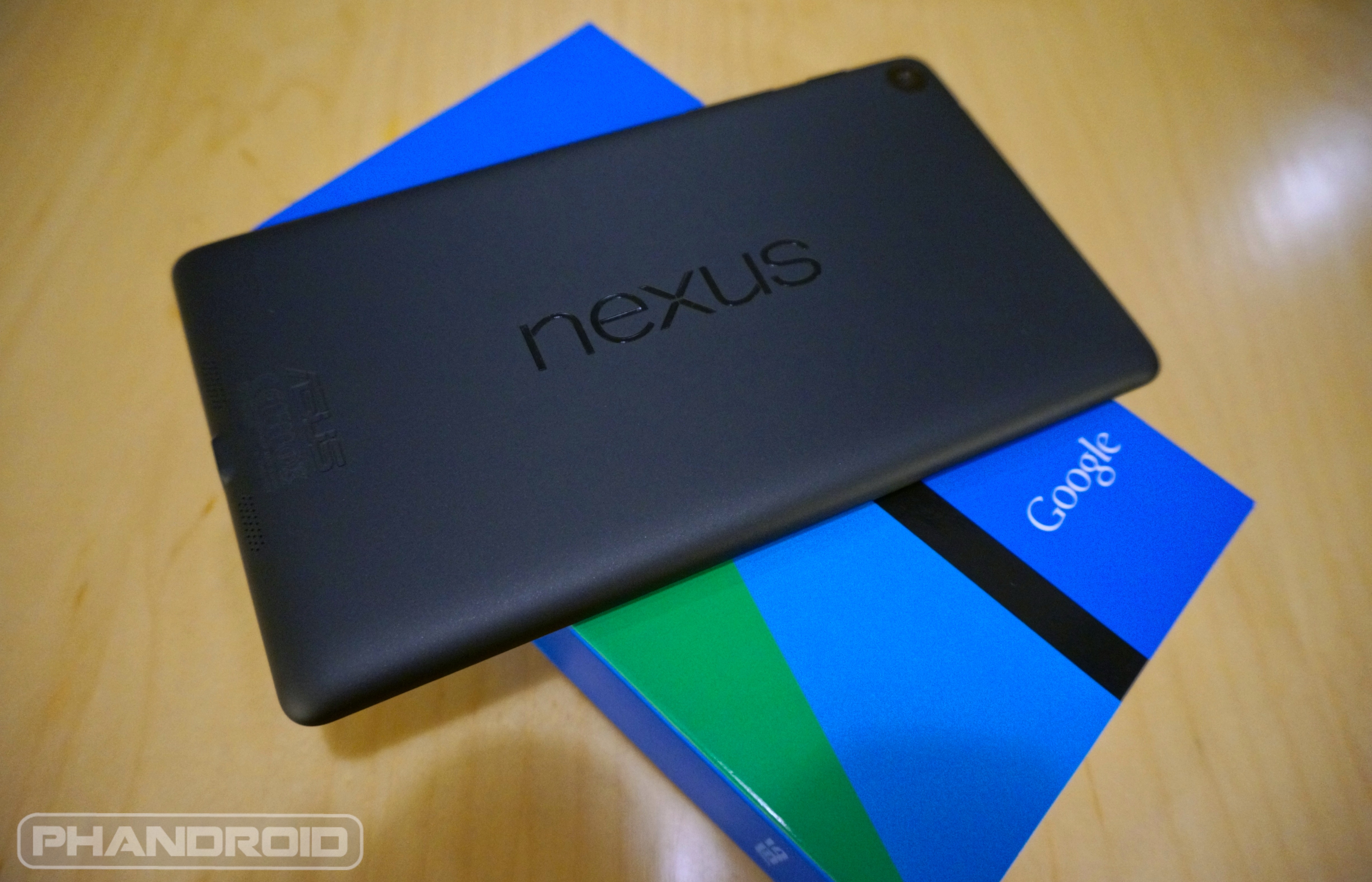
Android 5.1.1 factory images arrive for Nexus 7 WiFi (2013 and 2012), Nexus 10


New Nexus 7 wm


Heads up, Nexus Tablet owners. It appears Android 5.1.1 is already gearing up for an official rollout. Factory images for 5.1.1 (build number LMY47V) on WiFi versions of the original Nexus 7 (2012), Nexus 7 2013, and Nexus 10 tablets have already been uploaded to Google’s factory images page. We’re also seeing reports that 5.1.1 has already begun rolling out to the Nexus 10.


As always, you can either get a jump by flashing the factory images linked below (and erasing all your data in the process), or wait for the official update to hit your device over-the-air in the coming minutes/days/weeks. Hopefully with all the bugs squashed in these updates, a new batch isn’t unleashed onto our devices. Stay tuned for more.


[Nexus Factory Images]


It is now possible to hack WiFi support into your LG G Watch R


LG-Urbane-Watch1


Developers developers developers developers! Steve Ballmer got it right — these guys are awesome. Once again, a stout mind from XDA has cooked up a way to improve a device, and this time it’s the LG G Watch R.


You can now enable that dormant WiFi radio inside the LG G Watch R if you’re hankering to use WiFi on the Android Wear watch, granted your watch has an unlocked and TWRP recovery. You should also make sure you are on Android Wear 5.1.1, build LDZ22D, because it hasn’t been tested in any other environment.


The usual warnings and red flags apply. You do this, and anything else outside of the scope of the device’s intended usage, on your own accord. That means you can’t blame anyone else if your smart watch decides to become sentient and refuse your every command (not that that would be devastating or anything, but definitely annoying). Knowing that, you can find download links and instructions right here.


Nexus 9 (WiFi) Android 5.1.1 factory images and OTA zip now available for download


Nexus 9 DSC07280


It’s been a long time coming, Nexus 9 owners. Starting today, you should be seeing an update to Android 5.1.1 hitting your tablets. Because you may not feel like waiting around for the update to roll out in stages — and quite frankly, it’s been long enough — you have a few other options at your disposal.


Those looking to do things the manual way, the official factory images (build LMY47X) have been posted on Google’s developer page where they’re available for the flashing. What’s more is someone was even able to capture the OTA link directly from Google’s servers if you’re proficient in ADB. Just make sure you’re coming from LRX22L before you update. Cheers!


[Nexus 9 Factory Image | Nexus 9 update zip via XDA]


LG G Watch R doesn’t support WiFi right now, but it will later this year


g-watch-r-wrist


If you have an Android Wear device, chances are you’re pretty hyped about the latest software update. Aside from improving upon the UX, Android Wear 5.1.1 — which still hasn’t hit the Moto 360 — was able to unlock dormant WiFi radios located on most of devices. Of course, we know the LG G Watch definitely wasn’t on that list, but for the LG G Watch R, things were a little wishy-washy.


Whereas the original G Watch didn’t have the necessary hardware, the LG G Watch R (it’s round sibling) actually does, it’s just that for whatever reason wouldn’t be enabled in 5.1.1. Fast forward to today where an LG spokesperson is now saying a future maintenance release will, in fact, activate the LG G Watch R’s hidden WiFi functionality. According to the statement provided to AndroidWorld, LG plans to push out this update sometime in the 3rd quarter.


“LG Watch Urbane is the only wearable device Currently shipping with the latest version of Android Wear OS and is Wi-Fi capable out of the box. The original LG G Watch was not designed with Wi-Fi in mind and will not have this capability even after the Android Wear update. LG G Watch R will require a maintenance release after the patch update to Android Wear-access Wi-Fi networks. LG engineers are preparing the patch now for availability in the third quarter.”


So, if the lack of WiFi was a make-or-break for you, don’t worry. In a few months time, you can expect the LG G Watch R to connect to WiFi networks the same as most other Android Wear smartwatches. Anyone who already purchased the watch, feeling better now?


Official: Nexus 6 on T-Mobile will start receiving Android 5.1.1 with WiFi Calling this weekend


nexus 6 lollipop


Yesterday, T-Mobile’s Des Smith hinted at the possibility of the Nexus 6 finally receiving its WiFi Calling update this weekend but today, he’s finally confirming it. The Nexus 6 will officially receive Android 5.1.1 — build number LYZ28E — on T-Mobile this weekend, and after a fairly long wait (and a few hiccups on the way), WiFi Calling is officially on board.


The update will be a gradual rollout, hitting a small number of T-Mobile customers in stages. If all goes well, expect a more broad rollout in the coming weeks. Keep in mind you’ll need to already be on Android 5.1 (build LMY47M) in order to update to 5.1.1 and if you’d like, you can grab the factory images from Google’s Nexus Factory Images site here.


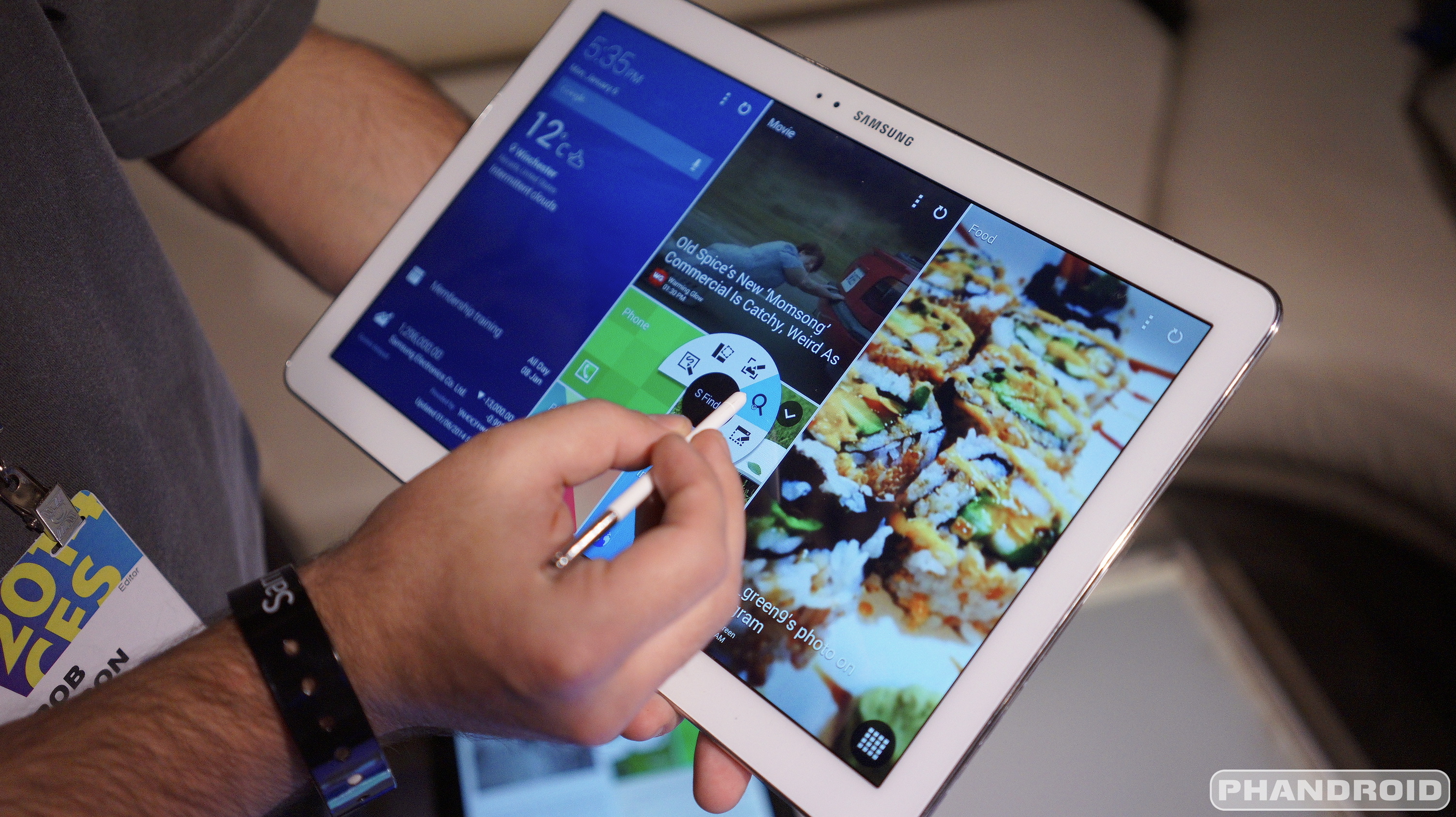
You can now download Android 5.0 Lollipop for the Samsung Galaxy Note Pro 12.2 WiFi


Samsung Galaxy Note Pro DSC05107


Samsung is now updating their largest Galaxy Note Pro tablet to Android 5.0 Lollipop. It’s the WiFi-only Samsung Galaxy Note Pro 12.2, and it’s headed out to folks in Switzerland first as firmware version P905XXUABOD7.


The upgrade shouldn’t bring forth many unexpected surprises. Samsung has mostly tweaked their user interface to match the look, feel and features of Lollipop such as a Material Design user interface and improved notifications.


It shan’t be long before most owners in other regions will be able to load this thing up through Kies or over-the-air. If you absolutely can’t wait and you know how to manually flash update files, SamMobile has the goods right now. Otherwise, be sure to check for the update periodically over the course of the next month or two as Samsung greenlights the upgrade for more people.


[via SamMobile]


Download: T-Mobile’ Android 5.1.1 update and factory image for Nexus 6, WiFi Calling included


Nexus_6_Midnight_Blue-1


In case you missed, T-Mobile began pushing out Android 5.1.1 to the Nexus 6 this weekend. This flavor of Android — build LYZ28E — was built especially for the Nexus 6 on T-Mobile and features the long awaited WiFi Calling feature baked right in. With WiFi calling, Nexus 6 owners can make calls and send text messages even in places where they have zero bars. You gotta admit, that’s pretty handy especially if you live up in the mountains or other areas where T-Mobile’s towers have trouble reaching.


Because the update is rolling out in stages, some of you may not have gotten the update quite yet. Don’t worry, you’ll get it soon. For those that don’t feel like waiting, here’s the OTA link for manual flashing (if you’re into that sort of thing). For anyone else looking to download the full factory image — which will restore your device to its full factory settings — you can now find that on Google’s Nexus factory images page down below. This is great for those that Have at it.


[via Nexus Factory images]


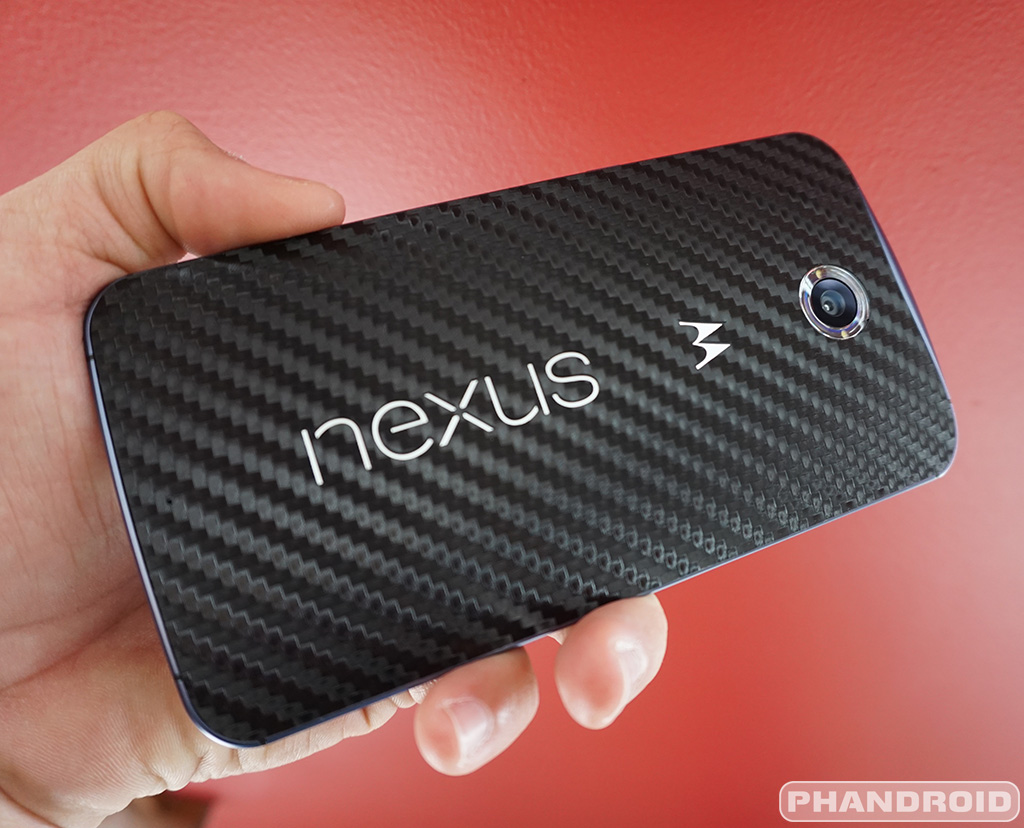
Nexus 6 could be getting its WiFi Calling update this Memorial Day weekend


Nexus_6_Dbrand_Skin


We’ve known about T-Mobile’s plan to have WiFi Calling enabled on the Nexus 6 since back in October. There’s been quite a few Lollipop updates since then, with none of them bringing that feature T-Mobile customers have been clamoring for.


If the recent tweets of T-Mobile Senior Product Manager Desmond Smith are to be believed, that update — so long in the making — could finally rollout this weekend. You’ll find his tweet down below.


Nexus 6 WiFi Calling update memorial weekend


Alright, so his tweet didn’t come out and say it, but if you remember back on May 12th, Des tweeted that a last minute bug was discovered in the software, delaying the update by 7-10 days. Well, here we are 9 days later, and Des is teasing something sweet coming to the Nexus 6 this weekend.


Des’ lips are tied but if we were betting men, we’d put our chips on the Nexus 6 receiving WiFi Calling this Memorial Day weekend. Keep those fingers crossed!


[Twitter]


Pushbullet devs introduce super simple WiFi file transfer app called Portal [VIDEO]


portal pushbullet


The developers behind Pushbullet are gearing up to bring a big update to the push notification app soon, but first they dropped a brand new app on us. It’s called Portal, and it enables you to transfer files from your computer to your Android phone.


It’s not super exciting or some new concept, but it is simple, and it is fast. It works by transferring files over your local WiFi network, so you don’t have to deal with shoddy connection and server speeds. Files transferred to your phone are easily accessed either within the app or Android’s standard file browser.


It’s different from Pushbullet’s file transfer feature which can work even if your two devices aren’t on the same network. We’re not sure why it couldn’t simply be brought to Pushbullet as a new feature, but we won’t complain — it’s free and it’s awesome.


The developers have plans for big updates soon, including the ability to transfer files from your phone to PC.


And that’s about it. Like we said: simple, but sweet. Give it a go over at Google Play.


[via Pushbullet]


Sprint Galaxy S5 G900PVPU1ANK4 4.4.4 OTA Update brings HD voice icon, International Wi-Fi calling support


Sprint Galaxy S5 SM-G900V Android 4.4.4 OTA update has finally arrive. The Android 4.4.4 with build number G900PVPU1ANK4 and is now live via OTA  with 366 MB in size and will take around from 15 to 20 minutes to download and install. The G900PVPU1ANK4  update will not just bump the Android OS version to 4.4.4 but also brings new features such as the HD voice icon, International Wi-Fi Calling support and Google’s security patches.


Here are the Android 4.4.4 G900PVPU1ANK4 official changelog, addressed by Sprint and Samsung:


  • Android 4.4.4

  • HD Voice Icon

  • International Wi-Fi Calling Support

  • Google Security Patches


Technical Details of the G900PVPU1ANK4 4.4.4 Update


Device: Sprint Samsung Galaxy S5
Model number: SM-G900P
Baseband version: G900PVPU1ANK4
Kernel version: 3.4.0-3182645 dpi@SWDD3002 #1
Build number: KTU84P.G900PVPU1ANK4
SE for Android status: Enforcing


The software update usually  going out in stages, so if  haven’t received the notification message right away you can manually check it from your Galaxy S5 phone, just simply tap on Settings » About phone » Software updates.


Here is the screenshot of the software update build 4.4.4 G900PVPU1ANK4. The G900PVPU1ANK4 has replaced the previous 4.4.2 G900PVPU1ANE5 update in June.


G900PVPU1ANK4 Sprint Galaxy S5 4.4.4 software update


Guide: How to Update to G900PVPU1ANK4 4.4.4 via Over-The-Air (OTA)


Samsung Galaxy S5 OTA Update This is the easiest method to get the Firmware Update through over the air or called as OTA update.  which usually a notification message will directly sent to you from your network provider. It simply notifies you that there is a new software update available to download.  If you did not receive any notification messages yet, you can manually check the update instead.  You may only tap on your Galaxy S5 SM-G900P Settings>>About Device, then tap Software Update.


  • Find “Software update”

  • Slide your finger down the display starting from the top edge of your mobile phone.

  • Tap the settings icon.

  • Tap About device.

  • Tap Software update.


It will automatically tells you that a new update is available or your software is up to date when there is none yet. You can simply tap install now when you want to perform an update or install later. Please escalate to Sprint or Samsung support pages for further instructions.


Those who have a rooted Galaxy S5 G900P might not be able to receive the update, but you can still manually restore back your Sprint Galaxy S5 G900P to stock firmware 4.4.4 G900PVPU1ANK4.


Via: Samsung and Sprint


The post Sprint Galaxy S5 G900PVPU1ANK4 4.4.4 OTA Update brings HD voice icon, International Wi-Fi calling support appeared first on GalaxyS5Update.


Sprint Galaxy S5 4.4.2 OTA update G900PVPU1ANE5 enable WI-FI calling support


Sprint has rolled out another software on Sprint Sprint Galaxy S5 (G900P), the update is still packed in 4.4.2 KitKat and it will bumps the software build version to  G900PVPU1ANE5. The update brings the Wi-Fi calling support and there are no any other new features mentioned according to the released keynotes. The changelog is absolutely short, as the Wi-Fi calling is the only item you may see on the list.


The Wi-Fi calling hasn’t been enabled on previous 4.4.2 update build G900PVPU1AND2, due to this some users had been requesting this feature and have waited patiently and so finally Sprint have put itinto action.  So there it goes you may check this update as it’s a nice feature, and surely everyone will be happy to seeing that it actually arrive.


According to some folks who already received the new 4.4.2 G900PVPU1ANE5 says that also fixes some issues they have faced before such as the LTE.  Some difficulties on getting a reliable LTE signal at home has now being resolved as some people Galaxy S5 didn’t have all the spark bands enabled by default but some did and this update ensures all but Band 3  are enabled also.


The changelog G900PVPU1ANE5 4.4.2 KitKat Update:


– Enable WI-FI calling support


Technical details of G900PVPU1ANE5 4.4.2 KitKat Update:


Device: Samsung Galaxy S5
Model number: SM-G900P
Carrier: Sprint
Mode number: SM-G900P
Android Version: 4.4.2
Baseband version: G900PVPU1ANE5
Kernel version: 3.4.0-1750661
dpi@SWDD6020 #1
Fri May 30 21:23:48 KST 2014
Build number: KOT49H.G900PVPU1ANE5
SE for Android status
Enforcing
SEPF_SM-G900P_4.4.2_0016
Fri May 30 21:23:28 2014
Security software version
MDF v1.0 Release 3
VPN v1.4 Release 1
PDA: G900PVPU1ANE5
CSC: G900PSPT1ANE5
PHONE: G900PVPU1ANE5
G900PVPU1AND2 Sprint Galaxy S5 OTA update


The software update usually  going out in stages, so if  haven’t received the notification message right away you can manually check it from your Galaxy S5 phone, just simply tap on Settings » About phone » Software updates.


source


The post Sprint Galaxy S5 4.4.2 OTA update G900PVPU1ANE5 enable WI-FI calling support appeared first on GalaxyS5Update.