Affichage des articles dont le libellé est controls. Afficher tous les articles

lundi 6 juillet 2015

Pro Mode: Galaxy S6 gives full manual controls for camera enthusiasts [VIDEO]


Samsung Galaxy S6 Selfie


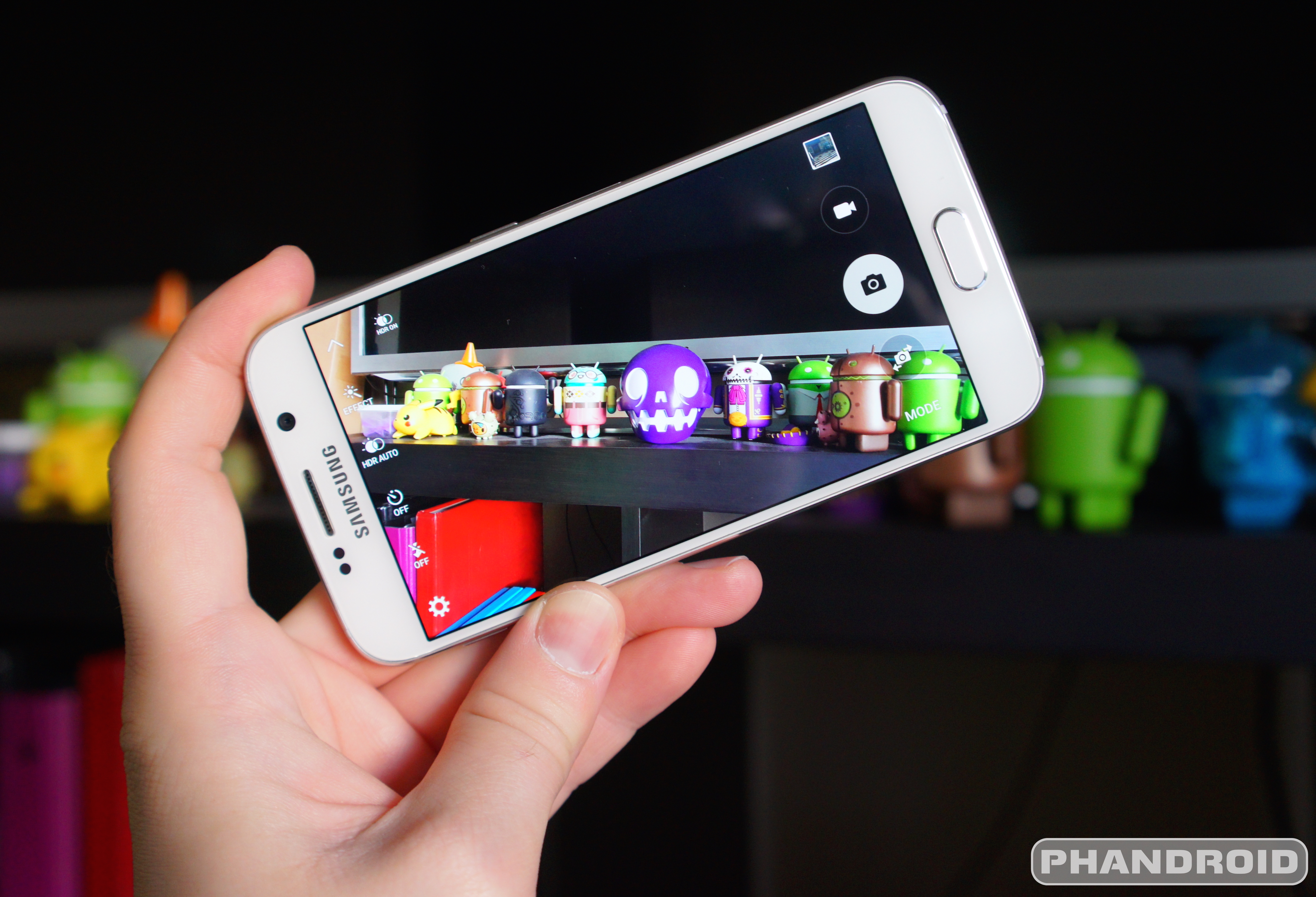
Over the years Samsung has put a lot of work into the camera app found on their Android phones. Maybe a little too much work, considering how overwhelming the various features and filters and photo modes started to get with the Samsung Galaxy S5 and Note 4. With the Samsung Galaxy S6, the Korean phone manufacturer felt a different approach was in order: a more simple, streamlined camera experience.


But simple and streamlined do not mean lacking in capability, and here Samsung has done us the favor of including a Pro mode for those that wish to have more manual control over shooting parameters. Tapping “Mode” within the camera and switching from Auto to Pro enables users to adjust things like white balance, ISO, metering, and even focus.


Long-pressing an area of the screen will focus on that point, just like in Auto mode, but in Pro mode you can alternatively choose to focus on one area of the photo while base the exposure off a separate area. This is a feature we have seen in several third-party camera apps, and one we are glad to have in the Galaxy S6’s default camera.


If you checked out our comparison shots between the Galaxy S6 and iPhone 6, you probably noticed the drastic difference in white balance between the two. In Auto mode the GS6 had the tendency to lend a yellow hue to the scene. Manual white balance adjustment means we can dial that yellow out of the photo, and in hindsight would probably have us thinking differently about the results of our comparison.


Of course, the Galaxy S6’s new camera retains most of the features we have come to expect. Real-time filters, slow motion video, panorama, and more are all there at your disposal. The camera is also super fast to load and features killer optical image stabilization. Pro mode is just one more addition to your virtual photographer’s bag that could mean the difference between a typical smartphone photo and a true work of art.



Incoming Android Wear update could add support for standalone WiFi and new gesture controls


Moto 360 screen


What’s the best way to respond to a competitor’s product unveiling? Well, probably to improve your existing counterpart. Not that we needed a report to know that Google was working on some new updates for Android Wear, but The Verge claims to have some fine detail about what’s coming in the next upgrade.


Two of the biggest things to expect are support for standalone WiFi and gesture-based UI navigation. The former would do away with the need to use Bluetooth to communicate with whatever device your Android Wear device is paired with. This is great for situations where you might not be close enough to your phone for your smart watch to pick it up, though it obviously means you have to have both devices on the same WiFi network.


As for those gestures, there isn’t much — a flick of the wrist can now help you scroll through the user interface instead of having to navigate with your finger — but it’s a nice and natural step forward for those who might need to control their watches hands-free.


One last change we’re told to expect is easier access to both contacts and applications menus. When’s all this coming? There’s no word yet, though Google hasn’t been terribly slow to iterate with Android Wear to this point, and if we’re already hearing details about what the new upgrade will bring we imagine it’s almost ready to come out of the oven.


Android 5.1 for the Samsung Galaxy S6 will bring super easy exposure controls


Samsung Galaxy S6 DSC09411


Without question, the Samsung Galaxy S6 camera is one of the best we’ve ever used — even when paired against the iPhone 6. We raved about it in our review. But no matter how amazing the quality of a smartphone’s camera, there are those times when it just can’t get some things right. Like the exposure.


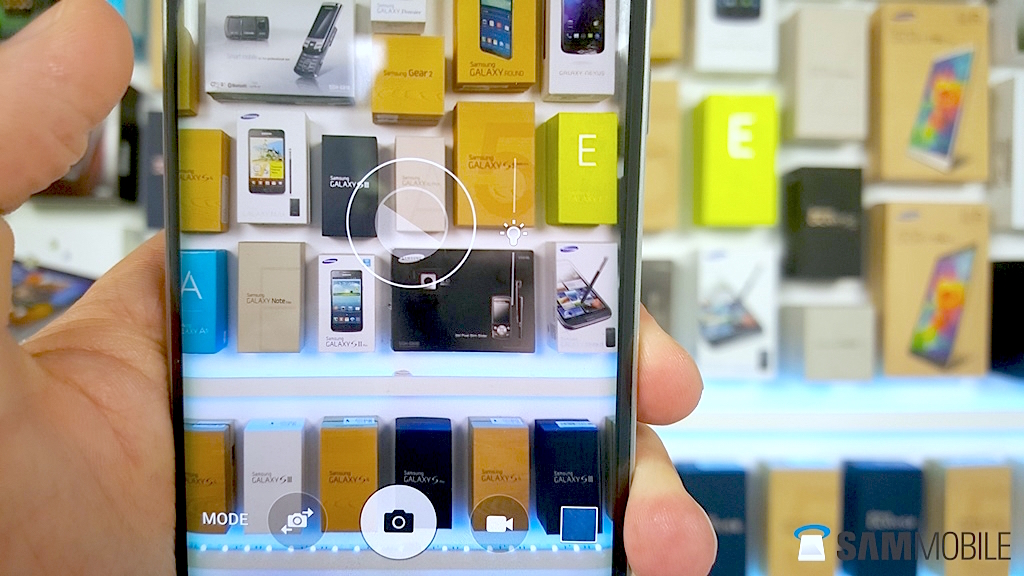
Whether it’s a brightly lit background, or just simply too much direct sunlight, sometimes you need to be able to manually change the camera’s exposure setting and diving into menus or settings isn’t the most effective way to do this. Apple knows this and it’s one of the reasons the iPhone 6 was one of the first to introduce super easy and quick exposure adjustments in their camera app. Recently, Motorola followed suit with an update to their camera app which added similar functionality on the Motorola Moto X (2014) and Motorola DROID Turbo.


Samsung Galaxy S6 easy exposure controls


Today, the folks at SamMobile have revealed a similar feature headed to the Samsung Galaxy S6 and Samsung Galaxy S6 Edge, and arrives with the Android 5.1 update. The update is also said to bring other camera improvements like support for RAW shooting, and manual shutter controls while in Pro Mode. Android 5.1 is rumored to arrive for the Galaxy S6/Edge sometime in June for international models, although timing for carrier models remains to be seen.