Affichage des articles dont le libellé est Android. Afficher tous les articles

lundi 6 juillet 2015

Microsoft’s Cortana will be coming to Android later this year


google cortana


It’s been a while since we last heard rumors of Microsoft’s Cortana coming to Android. Way back in June of 2014 a manager from the Windows Phone team talked about the possibility of Cortana coming to other platforms. Now we’re hearing from Microsoft’s Eric Horvitz, managing director of Microsoft Research, that they are planning a bigger roll-out for Cortana later this year.


Microsoft is currently planning to bring Cortana to the desktop in Windows 10, which could be the perfectly opportunity to launch on Android and iOS as well. You might be thinking “why would Microsoft bring one of the best features of Windows Phone to competing platforms?” The new Microsoft under CEO Satya Nadella is focused on getting more people using Microsoft services. Just look at all the apps they already have in the Play Store.


The big question for most Android users will be “why should I use Cortana?” Microsoft will have a tough job convincing users to switch away from the tightly integrated and powerful Google Now. When Cortana originally launched in beta 0n Windows Phone 8.1 we put it up against Google Now. A lot has changed since then, but it’s still a good look at the two services side-by-side.


Will you give Cortana a shot when it comes to Android?


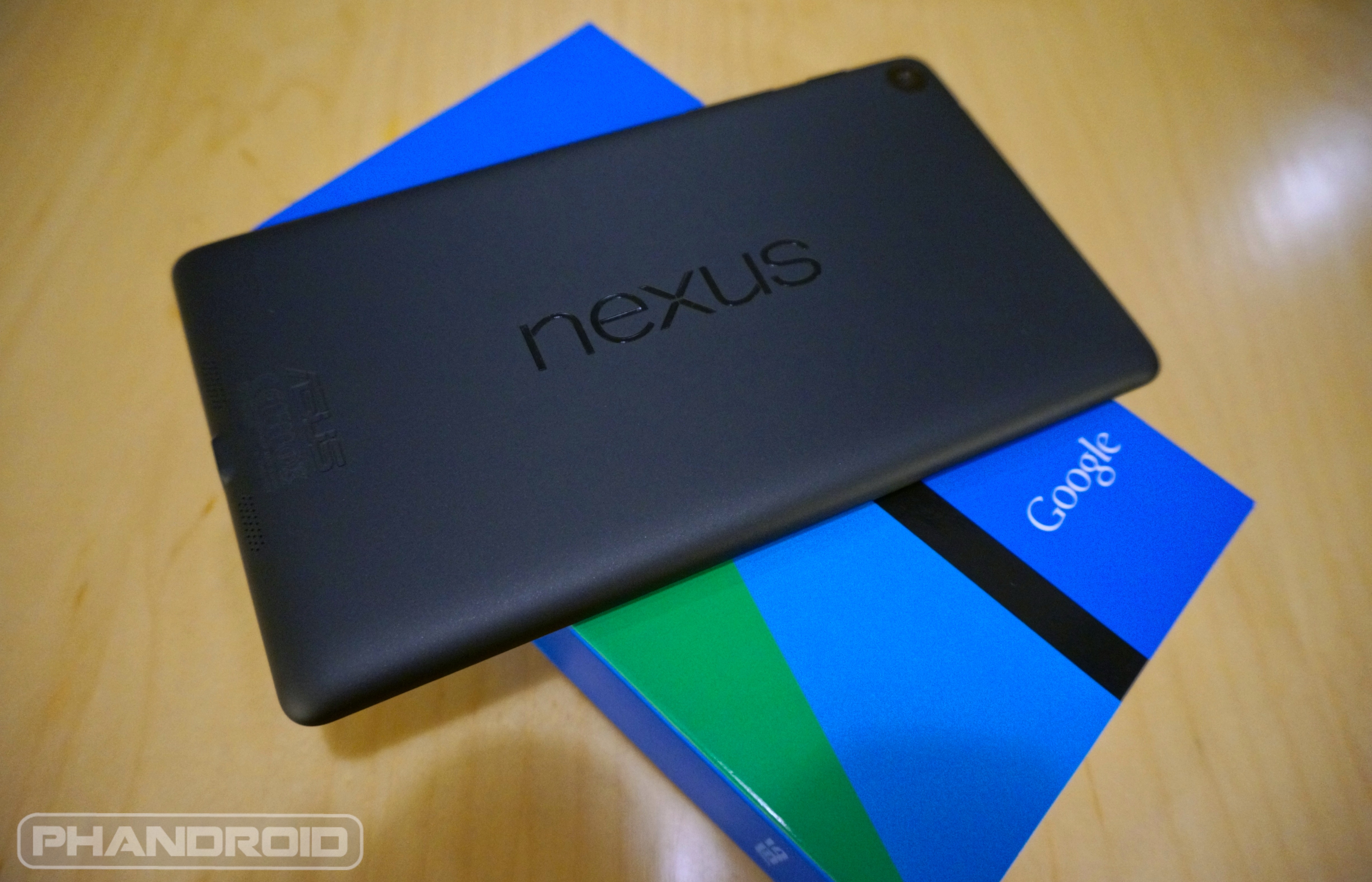
Download: Android 5.1 for Nexus 7 2013 LTE arrives, get factory images and OTA files here


New Nexus 7 wm


The Nexus 7 2013 LTE has finally gotten its shot at receiving Android 5.1 Lollipop, folks. The OTA is rolling out, but if it hasn’t hit your device yet you can get going a couple of different ways. The first is by downloading the OTA file here, renaming it “update.zip”, dropping it onto the root of your device’s storage and jumping into recovery to flash.


You can also grab the factory image right here, which can be flashed through ADB (you’ll also find instructions for doing so if you aren’t already familiar with the process).


Android 5.1 doesn’t add much to Lollipop on the surface, though it does address many lingering bugs and adds a few tweaks to tighten up the blissful Lollipop experience. Go ahead and get it loaded onto your LTE Nexus 7 2013 as soon as possible!


Blizzard finally launches Hearthstone for Android Phones


hearthstone phone


While we had to wait a long time to get Hearthstone for Android tablets, Blizzard saw fit to deliver the goods to phones at the same time as our iPhone-toting counterparts. Hearthstone has finally been  adapted for the smaller screen.


It’s the same game you’ve come to love, and you’ll play with the same account, cards and decks no matter which device you use. You’ll also play people who are on other platforms or types of devices. That’s the great benefit of a turn-based game.


The only difference? Everything has been compressed in a way that makes card slinging a breeze. It’ll take a bit of getting used to if you’ve played the PC and tablet versions often, but the experience is familiar and intuitive enough that you’ll pick up on it within a matter of seconds.


Oh, and fair warning to employers: expect your Hearthstone-loving employees’ productivity to hit an all-time low. Grab the download from Google Play right here. Amazon Appstore users will find it right here. PS: If you’re starved for cards, you can get a free pack for simply playing a match on your phone, so be sure to take advantage.


[via Blizzard]


Motorola Droid Turbo will skip Android 5.0 and jump directly to Android 5.1 for its VoLTE support


droid-turbo-sim-volume-rocker


There’s no question Android 5.0 Lollipop was one of the biggest — and buggiest — firmware updates Google’s mobile OS has ever seen. Even though Motorola didn’t have such a tough time with it (the Verizon Moto X 2014 received Lollipop back in November), getting things approved by Verizon is typically a much longer process. This is especially true when talking about a Verizon exclusive DROID device like the Motorola DROID Turbo.


Meanwhile, while Android fans the world over were complaining about not receiving a buggy Android 5.0.2 update, Android 5.1 happened. It’s the absolute latest version of Lollipop which just so happens to squash most major bugs, and introduces some smaller user experience improvements but more importantly, VoLTE support. For devices like the Motorola DROID Turbo — which is currently stuck in KitKat limbo — this is the exact Android version Verizon was waiting for before updating their premier Android handset to Lollipop (despite the GSM variant receiving Android 5.0 last month).


Motorola engineer Luciano Carvalho confirmed this in a Google+ post, mentioning that the DROID Turbo for Verizon would leap frog over 5.0.x completely, updating straight to 5.1. Not because of bugs mind you, but because of its baked in support for VoLTE, something Verizon takes very seriously.


While it’s true Motorola’s “Moto” devices are running a damn near stock Android experience, Motorola’s “DROID” devices like Verizon’s top-of-the-line Android flagship powerhouse have a little more Verizon in them. Exactly how much longer we’ll have to wait before we see Android 5.1 begin rolling out to the DROID Turbo is still anyone’s guess. But it’s definitely nice knowing we wont have to wait for Android 5.0, only to wait even longer for 5.1. We only wish other OEMs who have yet to update to Lollipop would follow suit.


Dropbox for Android adds a PDF viewer and document search


dropbox pdf


The competition among cloud storage services is one of the fiercest around. You’ve got Google Drive, OneDrive, Copy, and many more to choose from. But one service has been around the longest, and it’s still kicking out great features. Of course we’re talking about Dropbox.


The latest update to the Dropbox app on Android adds a couple requested features. First, you can open PDFs with the built-in viewer in Dropbox. When a PDF is opened in Dropbox you’ll be able to share it and automatically save it to your Dropbox. This should make it much easier for users to handle PDFs.


The second new feature is the ability to search inside documents. The search applies to PDFs, Word docs, and PowerPoint files. If you have a particularly lengthy document and you want to jump to specific part you can search for a word or phrase. Both of these new features are available in the latest version of Dropbox. Dropbox continues to be one of the best productivity apps you can have, and it’s free.


[via Dropbox Blog]


HTC may reconsider not updating the One M7 to Android 5.1


HTC One M7 thin case DSC01079


Yesterday we wrote about the HTC One M7 not being updated past Android 5.0. Not surprisingly, this was met with an uproar from current user who want Android 5.1. The news came from HTC Product Manager Mo Versi, and today he has some more optimistic news about the situation.


Mo says that many of the fixes are already in Sense, but they understand the concerns from users. This is something that we mentioned in yesterday’s article. HTC has been fixing a lot of the issues that Android 5.1 fixes on their own. The One M7 is already on Android 5.0.1, which is very respectable for a two-year old device. Mo did say to “stay tuned,” so maybe HTC will eventually bring 5.1 to the M7.


This whole situation is a microcosm of problem with Android updates. A lot of times manufacturers are fixing things and adding features before they make it into Google’s stock version of Android. Sometimes it’s not necessary to get every little Android update. We’ll keep an eye on developments for 5.1 on the M7.


Download: Android 5.1 factory image for the Nexus Player


nexus-player-artsy-2


We talk a lot about Android 5.1 for phones and tablets, but what about Google’s first Android TV product? Looks like the Nexus Player is finally set to get it as the company has posted the factory image over at their website.


We aren’t sure if there are any big changes specific to TV, but we’ll certainly be looking to load this up onto our unit and check. In the meantime you can grab the factory image and flash the file through fastboot if you aren’t interested in waiting for a network OTA process.


You’ll be on version LMY47D and it figures to cost you little more than 442MB of bandwidth. Grab it from Google’s site right here to load it up and give it a go.


Android Auto app lands on the Google Play Store, compatible with all Lollipop devices


Android Auto big


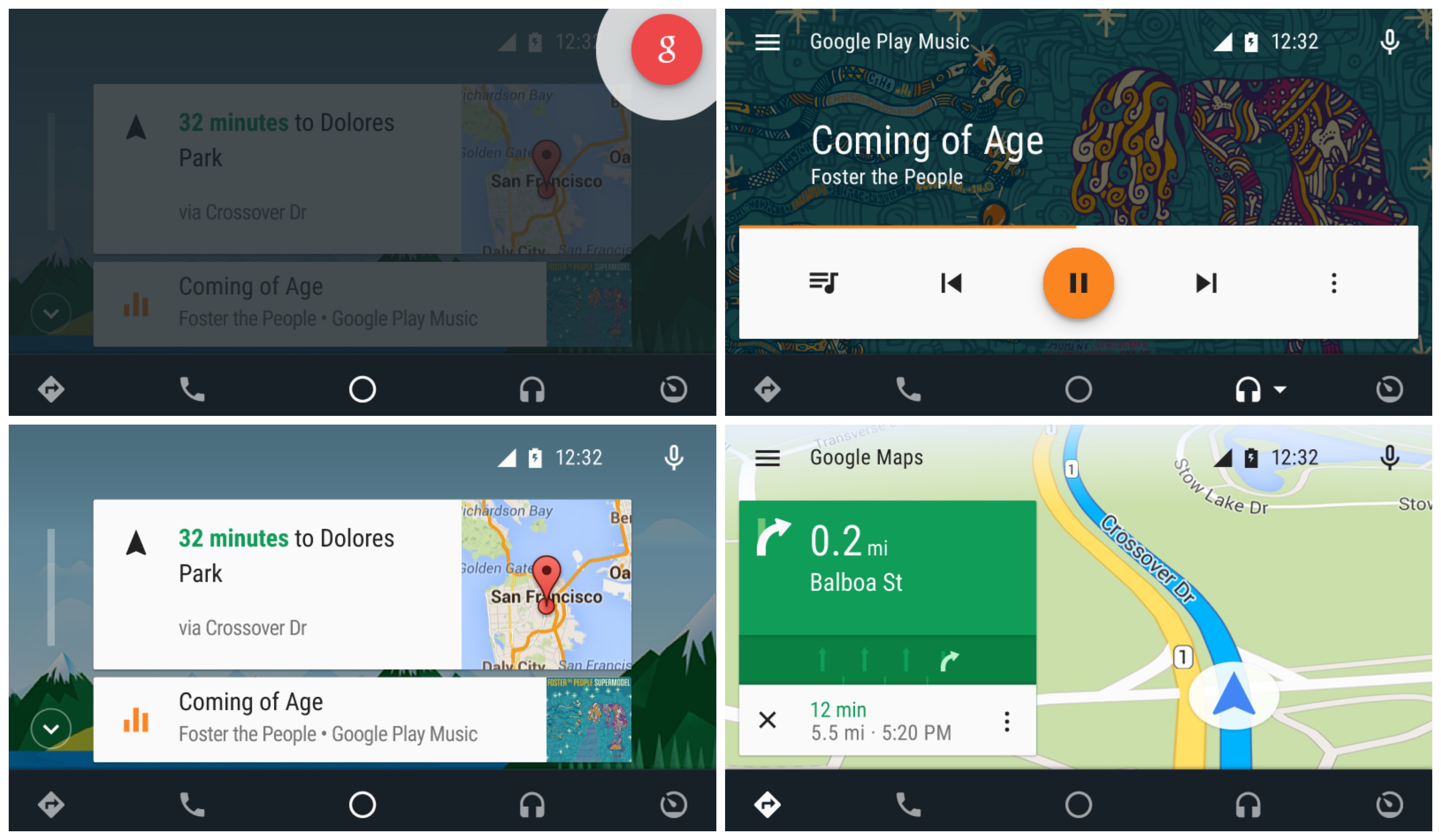
Android Auto compatible head units have already begun shipping, but don’t expect to just plug in any old Android device and hope everything will just work. A new Android Auto app has been added into the Play Store enabling this functionality on Lollipop+ devices. The app brings a simple driver friendly UI, all powered by your Android device and mirrored onto the head unit.


Here’s what you’ll find in the Android Auto app:


  • Navigation with Google Maps – Free turn-by-turn navigation with lane guidance, live traffic conditions, points of interest, and more

  • Hands-free phone and messaging – Make calls and send messages without taking your hands off the wheel

  • Info and assistance – Get weather, traffic, commute information and more organized into simple cards

  • Bring your music – Listen to your music and playlists in the car with your built-in stereo system


Android Auto app collage


Chances are, you don’t have a compatible automobile or head unit just yet, so you may want to bookmark the app for future use. We wonder how long it’ll be before Google begins preloading this onto devices with their current app suite. Check out Google’s promo video below.


The Nokia N1 might be the best-looking Android tablet ever made [VIDEO]


Nokia N1 DSC08993


It wasn’t that long ago that Mobile World Congress was flooded with Android tablets. Everyone from Alcatel to ZTE had to get in on the post-iPad tablet boom. Nowadays tablet releases are few and far between. We haven’t seen many new tablets at MWC this year, but one from an unlikely source really grabbed our attention.


Back in November you may remember hearing about the Nokia N1. It came out of nowhere, but looked really nice. Nokia is showing off the N1 at Mobile World Congress, and we couldn’t pass up the chance to check it out. The first thing you’ll notice about the N1 is the design that mimics the iPad more than a Lumia device. Nokia says the design is made to fade away and not distract from the contents of the display.


Nokia N1


iPad-esque or not, the Nokia N1 is a very attractive device, and that’s not the only thing to love about it. The N1 runs stock Android Lollipop out of the box. Nokia only pre-loads one app, which happens to be the app you use the most. Z-Launcher is Nokia’s own home launcher replacement that uses contextual information to show apps you might need at the moment. It also has a handy handwriting search for apps, contacts, and bookmarks. The good news is you can simply use a different launcher if you don’t like it.


The display is 7.9-inches at 2048×1536 resolution. It’s powered by an 2.3GHz Intel 64-bit processor, 2GB of RAM, 32GB of storage, and a 5300mAh battery. On the back is a 8MP camera, with a 5MP camera on the front. One really cool spec is the USB Type-C reversible charging cable. This is the newest standard that allows the USB cable to be plugged in at any orientation.


The Nokia N1 has one big flaw: availability. If you live in China you can buy one for the equivalent of 0, but here in North America it’s nearly impossible to get. That’s a real shame because we like the N1 a lot. It has a great design, excellent build quality, top-notch specs, and stock Lollipop. If it ever does come to the U.S. for 0 it should be an easy sell.


Android Wallpaper: Not that Galaxy


galaxy wallpaper


See past editions of Android Wallpaper


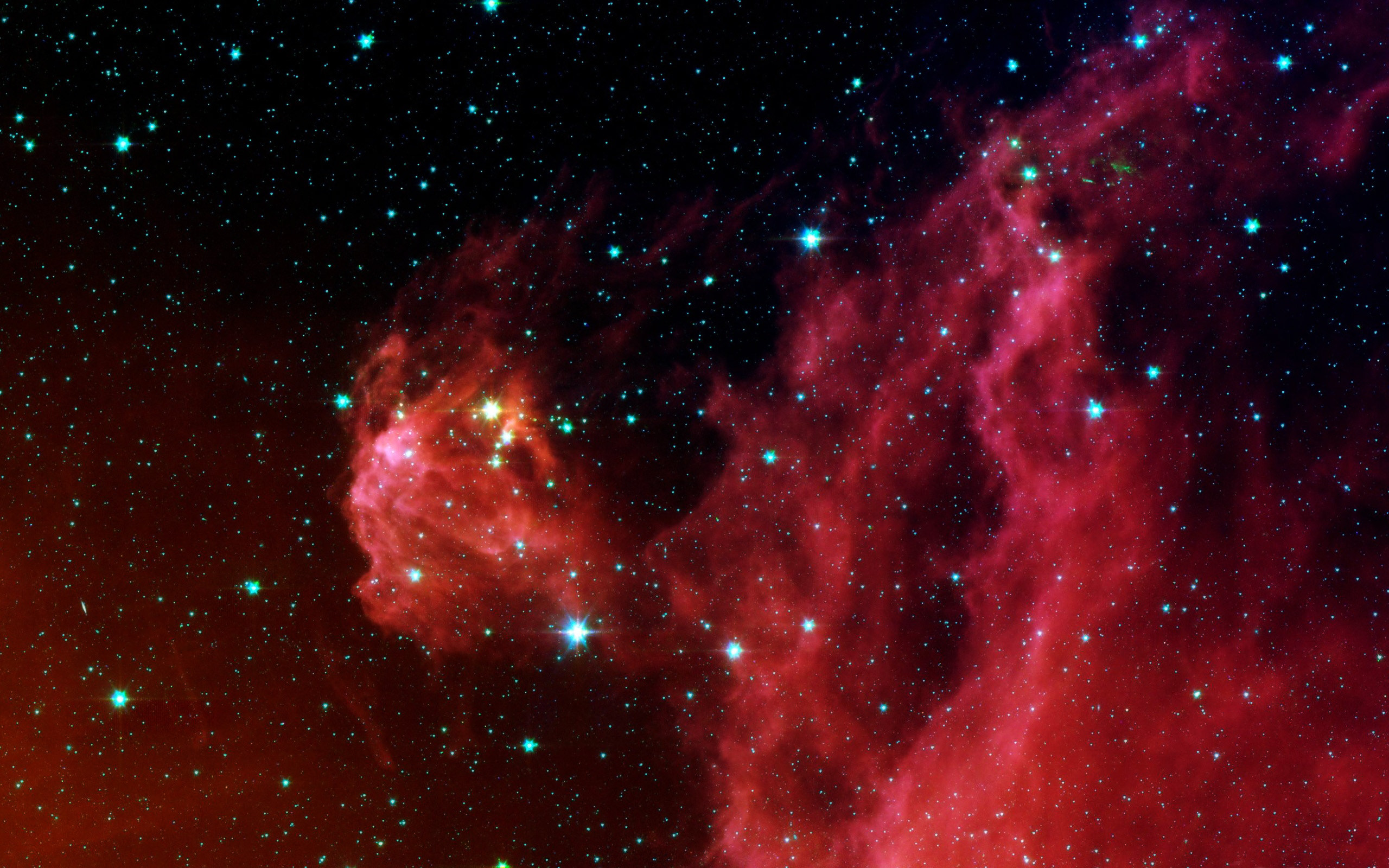
Tomorrow we will finally see the official announcement of the Samsung Galaxy S6, but today we’re talking about a different galaxy. You may have forgot that the term “galaxy” isn’t just used for Samsung phones (even though it’s the first result in Google). A galaxy is a gravitationally bound system consisting of stars, stellar remnants, interstellar gas and dust, and dark matter. I may have just posted that from Wikipedia, but one thing I do know is galaxies are beautiful.


We have 5 HD galactic wallpapers for you. To get one of these wallpapers on your phone, tablet, or even PC, simply tap or click on the image to see it at full resolution. Let us know which one is your favorite, and be sure to share a screenshot if you use one of these wallpapers!


Push new Android Wallpaper to your Android device with our Pushbullet channel.


galaxy wallpaper (4)


galaxy wallpaper (1)


galaxy wallpaper (1)


galaxy wallpaper (2)


galaxy wallpaper (3)


galaxy wallpaper (5)


Android 5.1 Lollipop finally allows you to mute until your next alarm


2015-03-13 (1)


One thing that many people have not been happy about in Android Lollipop is the removal of silent mode. The three new notification modes (None, Priority, and All) don’t allow you to mute the device while still letting alarms through. Priority Mode allows alarms to go off, but it also lets other things through. None Mode blocks absolutely everything, including alarms.


Android 5.1 is one step closer to bringing back silent mode. Now when you put the phone into Priority or None Mode you’ll get the option to have it disabled at your next alarm. In order to see this option you’ll need to have an alarm set to go off within the next 12 hours. This is the closest thing we have to silent mode right now, and it works pretty well. You can block notifications without worrying about your alarm being blocked, too.


To learn more about notification modes check out 15 Tips & Tricks for Android Lollipop and Top 10 Android Lollipop Features. Are you happy with this new feature?


Code found in Android Wear suggests Google is already working on iOS compatibility


Moto 360 DSC06955


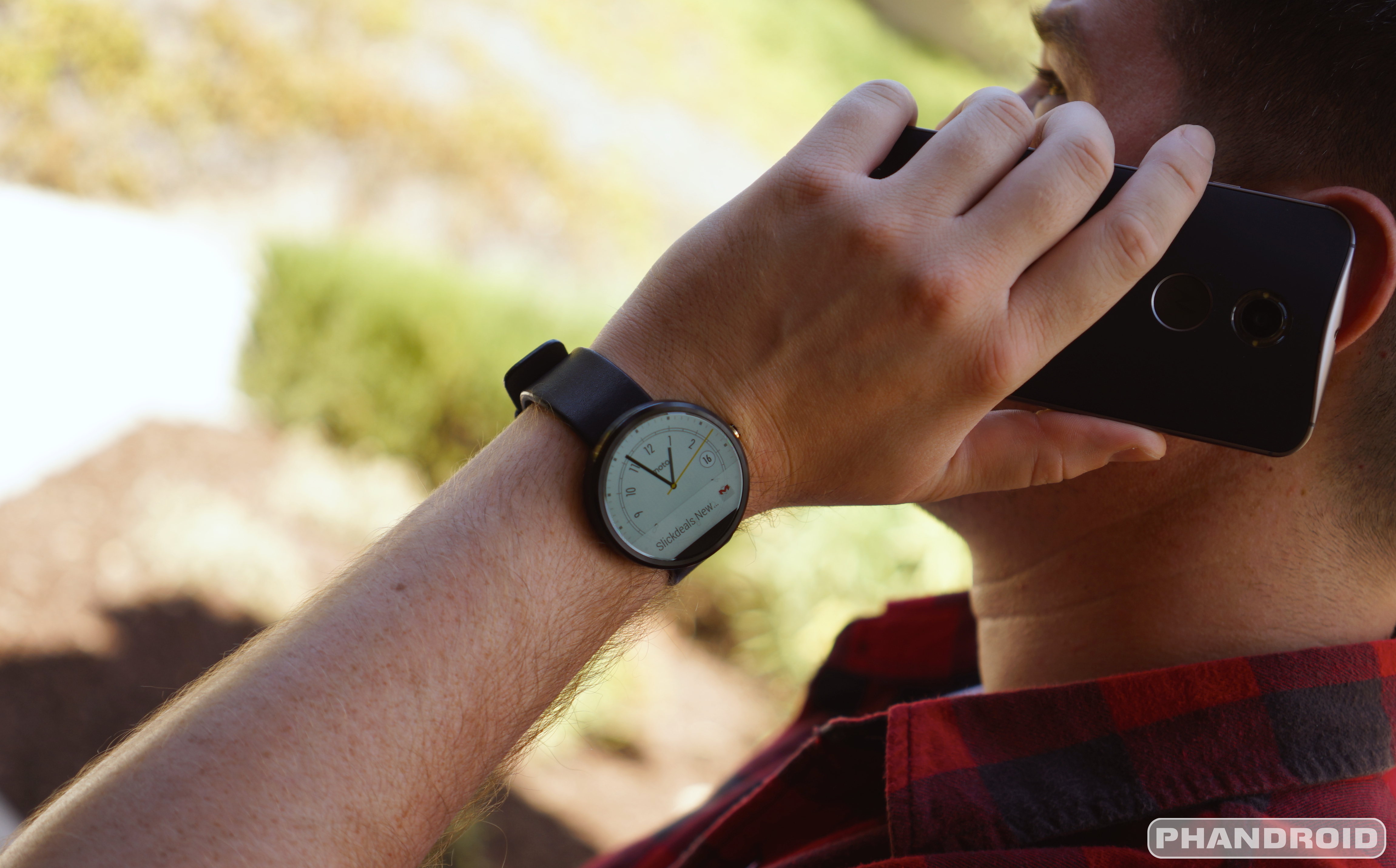
Despite a plethora of beautiful designs, varying hardware, and affordable price points, Android Wear smartwatches haven’t exactly been flying off the shelves. Last month we told you that only 720,000 had shipped in all of 2014, a number that doesn’t even account for actual sales. Meanwhile, the platform-agnostic Pebble smartwatch along celebrated its millionth unit sold, topping over million in pre-orders on their Kickstarter page for the sequel, Pebble Time.


While tough to say for certain the reason behind Pebble’s success, the fact that the Pebble is fully compatible with both Android and iOS certainly didn’t hurt. This is the one area that, we feel, has been holding Android Wear smartwatches back. iOS simply holds too big a piece of the mobile market to ignore and it’s a reason Google has made it a major focus on bringing their own apps and services to the platform. Hell, even Google Glass was compatible with iOS.


Taking a page out of Pebble’s handbook, it appears Google could finally be wising up with newly discovered code found inside the Android Wear OS that seemingly hints at iOS compatibility sometime in the future. Android developer MohammadAG tweeted the findings on Twitter, confirming rumors that Google was, in fact, already working on it.


Of course, there’s no telling how long an endeavor like this could take, or how far along Google has gotten. It’s possible Google could be planning on an announcement for Google I/O, marking almost a full year since for Android Wear was first announced. We just can’t help but wonder why this wasn’t Google’s intention from the start, but it’s possible new APIs in iOS have only recently made this possible. Platform affiliations aside, iOS compatibility is a smart move if Google hopes to get Android Wear off the ground and in the ring with the overpriced Apple Watch.


Android Wallpaper: Get in Line


line wallpaper


See past editions of Android Wallpaper


Oh, you want some wallpaper? Get in line! This week our wallpaper is all about lines. Straight lines, diagonal lines, lines that cross, lines that take sharp angles, colorful lines, and more. I don’t know if it’s because these wallpapers remind me of this toy, but line wallpapers really look nice as a backdrop for app icons.


Below you will find 5 HD linear wallpapers. To get one of these wallpapers on your phone, tablet, or even PC, simply tap or click on the image to see it at full resolution. Let us know which one is your favorite, and be sure to share a screenshot if you use one of these wallpapers!


Push new Android Wallpaper to your Android device with our Pushbullet channel.


line-wallpaper (2)


line-wallpaper (3)


line-wallpaper (4)


V-Stripes


diagonal lines


line-wallpaper (6)


Google says you can expect USB Type-C to hit Android devices in the near future [Duh]


Chromebook Pixel 2 USB 3.1 Type-C


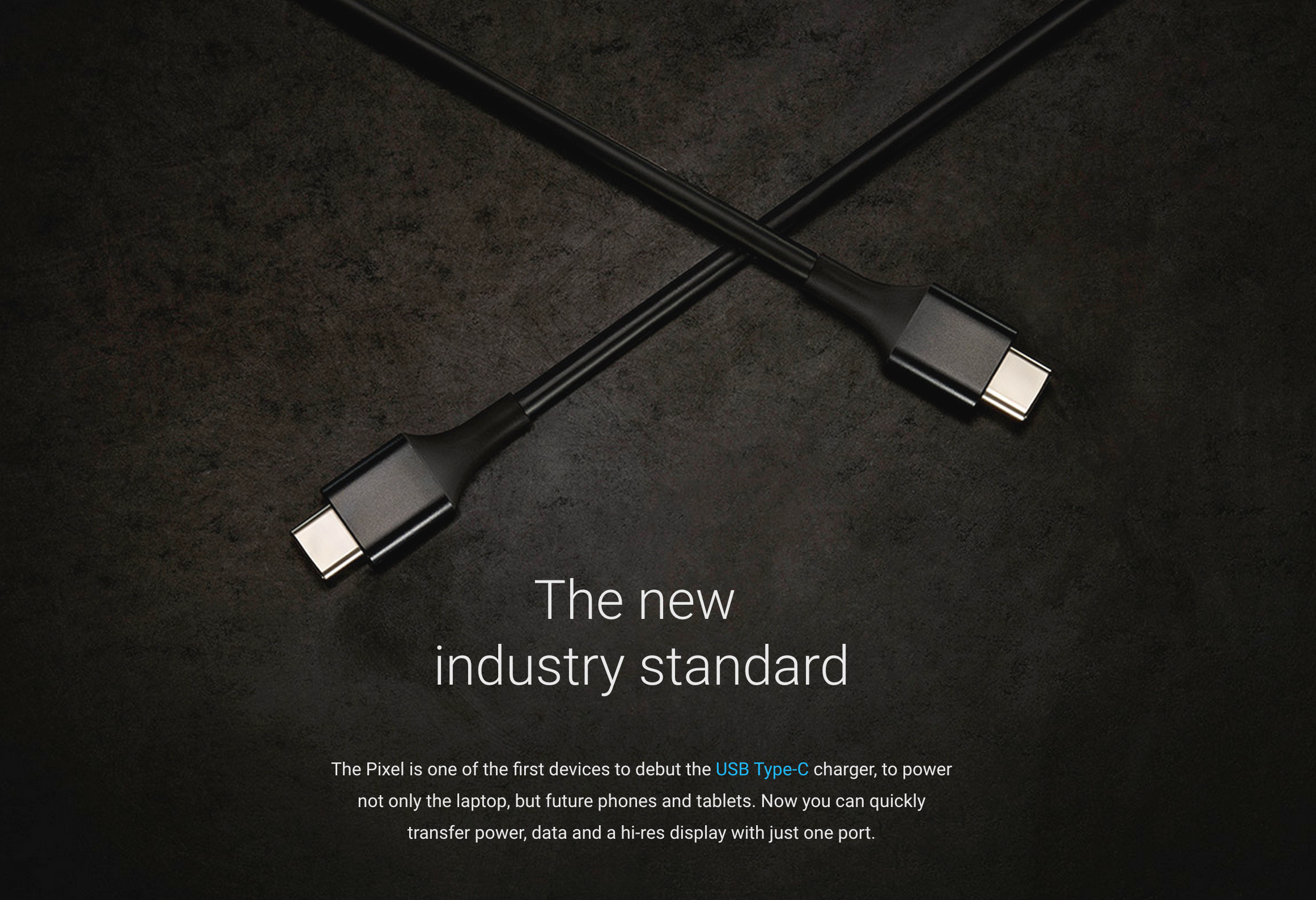
USB Type-C is fixin’ to become the new industry standard in how we transfer, power, and display content to external monitors in our next generation devices. Earlier today, we saw the arrival of the all new Chromebook Pixel 2, coming equipped with two USB 3.1 Type-C ports (because it’d be downright silly to only offer only one, right?).


For those unaware, USB Type-C is symmetrical, meaning there’s no “wrong way” to insert a connector into the port. All those late nights, fumbling around trying to nail your USB cable into your phone like a kid on prom night will finally be a thing of the past. And we couldn’t be happier.


USB Type-C


With Google officially making the move to Type-C, you might be wondering if we’ll soon see this port in future Android devices. In what should be a surprise to no one, that answer is a resounding yes. In their latest Chromebook Pixel short on YouTube, Google Product Manager Adam Rodriguez (1:14) says specifically:


“We at Google are very committed to the USB Type-C spec, expect to see this in a lot of Chromebooks and Android phones in the near future.”


Did Google actually say we’ll see them use Type-C in the next Nexus device? No. But now that they’ve officially committed to it, it’s probably more than likely. Our bodies are ready. You can watch Google waxing poetic on the new connector that will soon come equipped on their over-powered netbook and future devices in the video down below.


Android Wallpaper: Knock on Wood


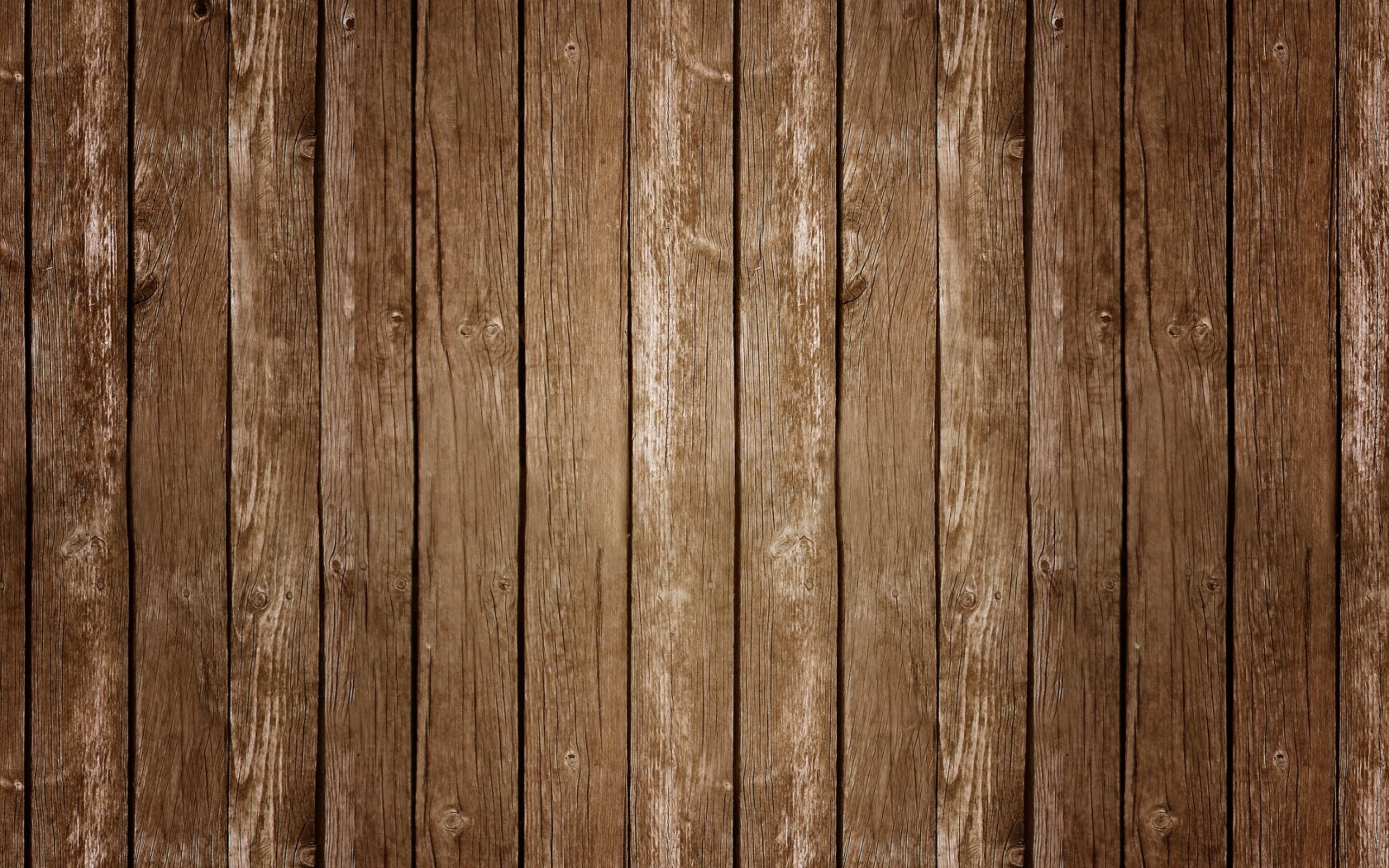
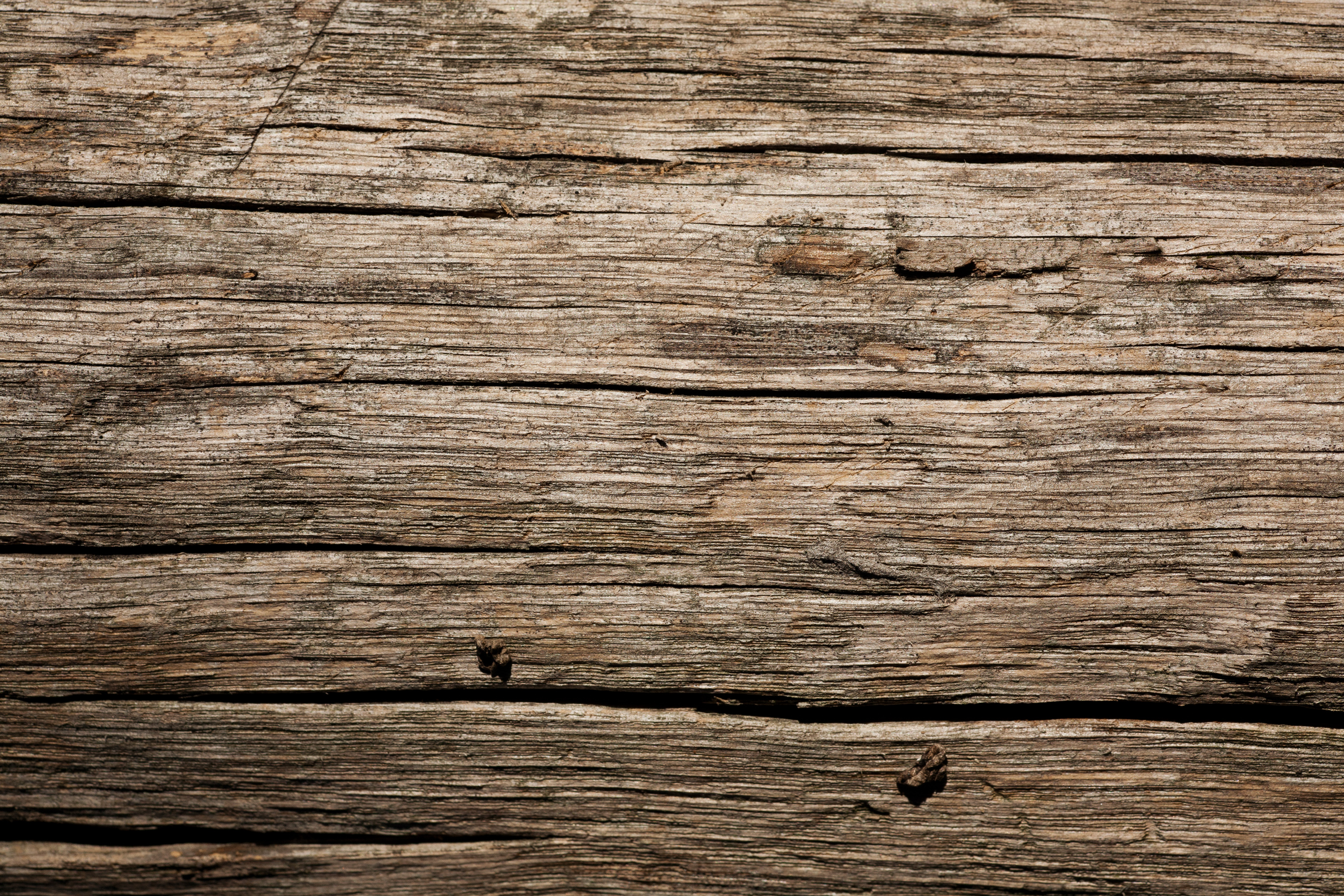
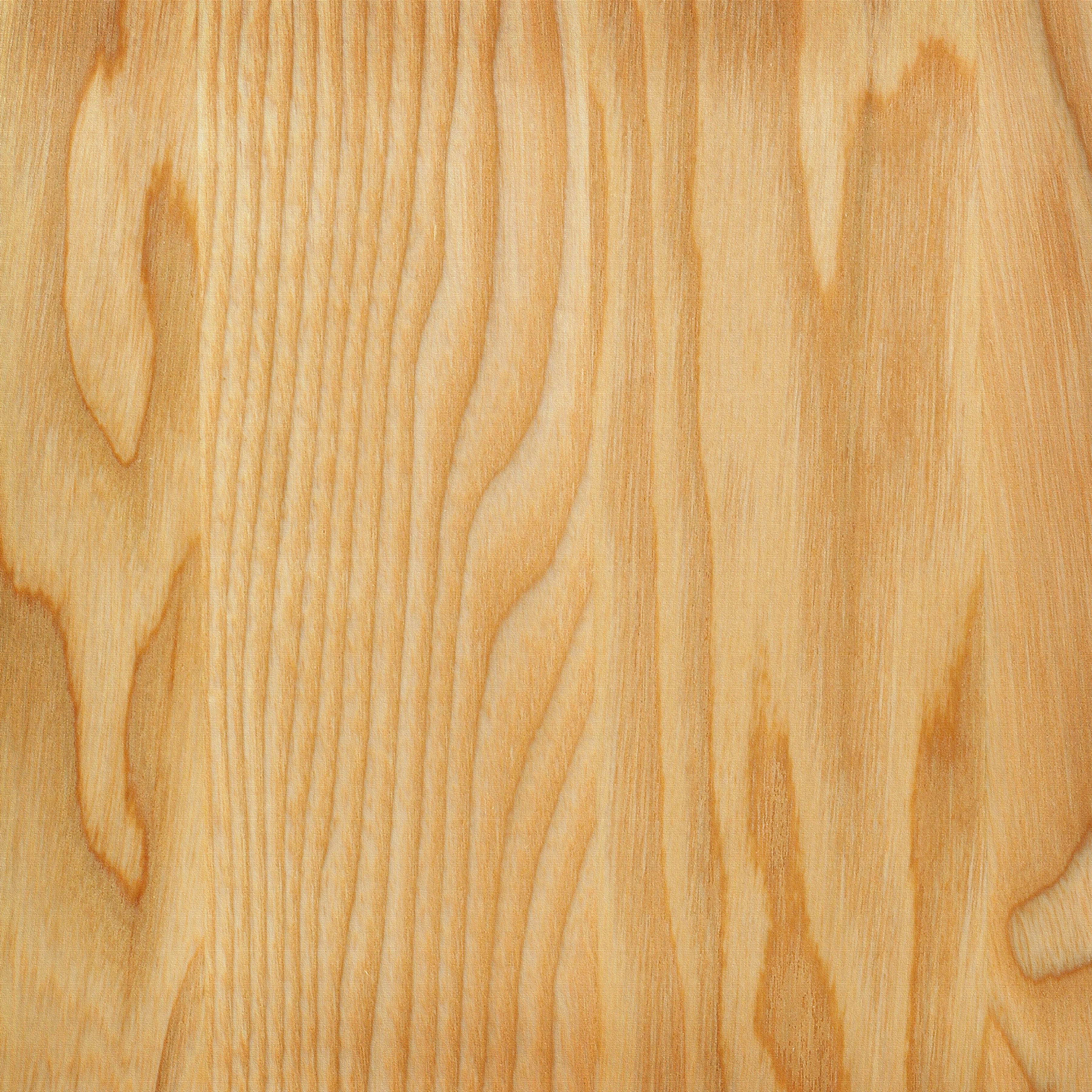
wood wallpaper


See past editions of Android Wallpaper


Hey, you. Yeah, you! Wood you like some wallpaper?


Terrible puns aside, this week our theme is wood. There’s something about the look of wood grain that works perfectly as the backdrop for app icons. Maybe it’s the way it brings our digital devices into the real world with a touch of nature. Or maybe it just looks cool. Either way, we’ve got some awesome wooden wallpapers for you this week.


Below you will find 6 HD wooden wallpapers. To get one of these wallpapers on your phone, tablet, or even PC, simply tap or click on the image to see it at full resolution. Let us know which one is your favorite, and be sure to share a screenshot if you use one of these wallpapers!


Push new Android Wallpaper to your Android device with our Pushbullet channel.


wood wallpaper (3)


wood wallpaper (4)


wood wallpaper (5)


wood wallpaper (6)


wood wallpaper (2)


wood wallpaper (1)


Tesla App designers prefer Android Wear over Apple Watch


Apple_Watch_Android_Wear_Tesla_ELEKSlabs_9


Apple may be trying to attack a niche portion of the wearable market by creating a more “premium” option, but premium hardware doesn’t always equate to blissful software. The developers of the Tesla app for the Apple Watch found that out in their latest project.


According to them, Google approached Tesla to create an app for Android Wear after seeing they’d done one for the Apple Watch. They accepted Google’s challenge, and more than just create a beautiful app for which to control your Tesla smart car, they laid out a wealth of impressions about the development experience and differences between the two platforms.


Here’s a spoiler for you: they like Android Wear. A lot. Their love for it comes from the fact that it’s a much more open platform to work with compared to Apple Watch. Where Apple limits developers on API access and low-level device integration, Tesla found it refreshing that Android Wear gave them nearly everything they needed.


Apple_Watch_Android_Wear_Tesla_ELEKSlabs_1


Perhaps their most favorite thing was being able to experiment with unique user interface tricks — apparently things are quite restricted in that regard on iOS. They also wondered how the Apple Watch could only manage 18 hours of battery life on such a limited platform compared to 2 days on many of the smart watches that run Android Wear.


Things weren’t all peachy for the Tesla team on Android Wear. Here are a few complaints they had:


  • Voice activation is too slow of a process. Their suggestion to Google is to allow developers control over the command after the initial “OK Google” to cut down on the 2-3 second pauses needed between each part of the command.

  • While better than the Apple Watch, battery life could still be improved. They love Pebble in that regard.

  • Thin documentation — not a knock on the platform itself, but certainly something that can mar the development experience.


But even with all that, they believe Google has done a fine job with Android Wear and can’t wait to see where it goes from here on out. Be sure to read their full thoughts on Android Wear development and what went into the new Tesla app over at Eleks Lab.


Sprint’s LG G2 is now receiving its Android 5.0 Lollipop upgrade


lg-g2-unboxing


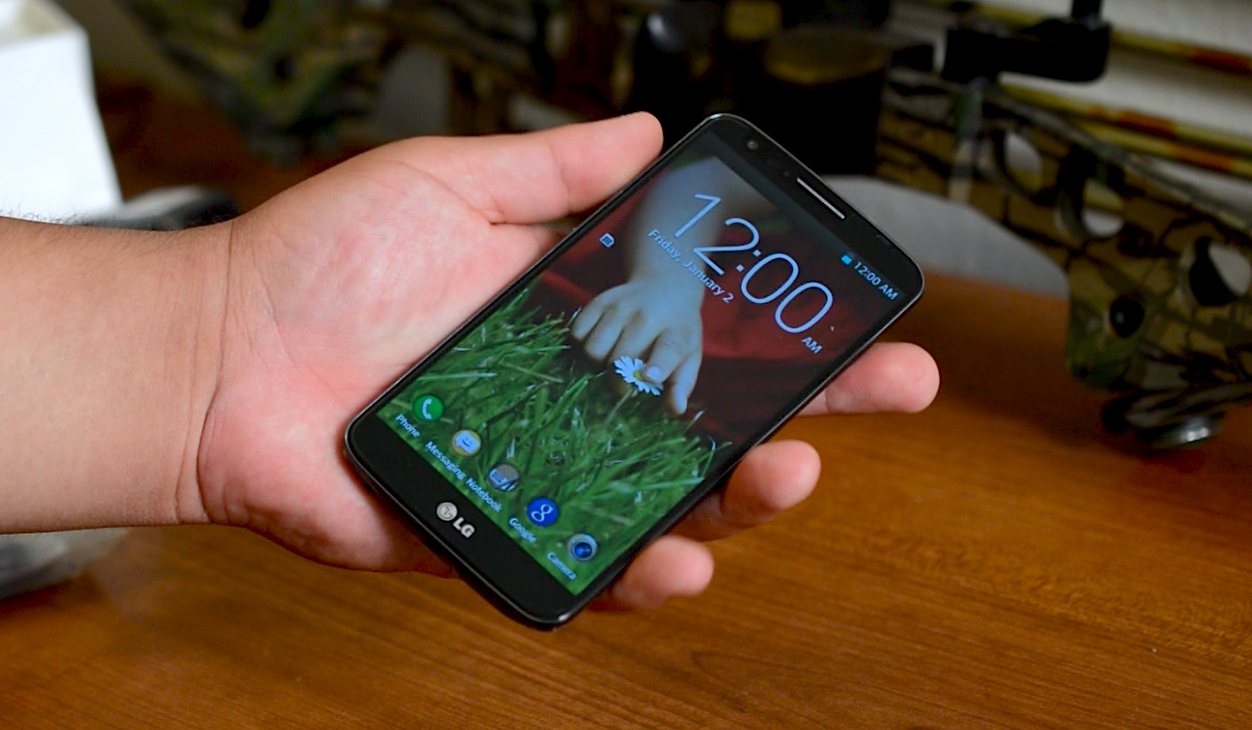
Sprint LG G2 users will wake up to a taste of Lollipop today as the carrier has started rolling the upgrade out to the handset over-the-air. Software version ZVG is what you’ll be looking for, and aside from your typical Lollipop-related enhancements (such as improved notifications, the ability to search Settings and more) the only other change to note is an upgrade for the FM Radio experience.


The upgrade is going out in stages, as usual, so you’ll have to wait for Sprint to give your phone the green light before you can pull it down. To check, simply head to Settings > About Phone > Software Update, and make sure you’re on WiFi and charged up to dodge any issues.


[via Sprint]


How to watch HBO Now on Android


hbo now screenshot


If you don’t have cable and want to watch HBO you were probably excited to hear about HBO Now. That excitement was probably killed when you heard it would only work with the Apple TV. Users without an Apple TV will have to wait until July before they can access the service. What’s an Android user to do?


One workaround that has been working for Android users is PlayOn. If you’re unfamiliar with PlayOn it’s a subscription service that lets you stream content from Netflix, Hulu, NBC, TBS, and others. PlayOn works through your PC and then slings content to your devices, such as Android and Chromecast. The service now includes HBO Now.
Here’s what you need to do to get HBO Now on your Android device. You will need to have access to an iDevice or someone who owns one.


  1. Buy the three-month subscription from PlayOn for .99

  2. Install the client on your Windows PC (sorry, no Mac support)

  3. Use you our your friend’s iDevice to sign up for the HBO Now trial

  4. Go into the PlayOn settings and click the Channels tab

  5. Scroll down to HBO Now and enter your username and password

  6. That’s all there is to it! You’ll need the PlayOn app on whichever device you’d like to watch HBO


After the trial month ends you’ll be charged per month. After the three-month PlayOn subscription ends the Apple exclusivity period will be over. Then you should be able to get HBO Now on more devices without this workaround. Good luck!


[via CNET]


Instagram introduces Layout, a separate app for creating photo collages (coming soon to Android)


Layout from Instagram


One can argue that Instagram is largely responsible for this boom of photo collage applications found in app stores like Google Play. The fact that Instagram never felt the need to build this kind of functionality into their app — or allowed users to share more than a single photo at a time — meant hardcore IG’ers had to search elsewhere.


There’s a huge business built around it too. Perform a quick search and you’re sure to find endless pages of apps. While a few get the job done, most feel like a hack job with a user interface that’s clunky, and output quality that can be lacking.


Rather than build this functionality inside Instagram (like many of their users have been clamoring for), Instagram is introducing a completely separate app. It’s called “Layout from Instagram” and it allows users to compile photo collages for easy sharing to the photos-only social network.


The app is painfully easy to use. You can either snap photos on the spot using Layout’s photo booth feature, or you can select from the most recent photos in your gallery. Photos from your gallery are grouped in separate tabs: all, faces (which only chooses photos with people in them), or recents (photos you’ve recently used in an collage).


After you’ve selected the photos you’d like to compile, you can choose the layout that suits your photos best and then adjust them accordingly. You can drag and drop to reorganize, tap a photo to bring up the handles and resize, or mirror and flip to mix things up. After you’re satisfied with the way your photos look, you can share to Instagram, Facebook, or anywhere else.


Instagram says ‘Layout from Instagram’ will be hitting Android devices in the coming months, with iOS availability right now.


7 New Material Design Guidelines that Android Developers should know


materialdesign_introduction


In an effort to flesh out their Material Design guidelines, Google has released a whopping 7 new sections that’ll show you best practices for crafting user interfaces, handling data and providing an overall sensible user experience as it pertains to the current standard. Here are the new sections Google has added for developers to take a look at:


Data tables


Whether you’re including ingredients for a recipe, stats from a sports league, or results from an arcade game, Google gives you the lowdown on the best practices for incorporating data tables into your apps and websites with material design (read more).


Material-Design-Data-Tables


Units and measurements


Ever wonder why phones from the low-end to high-end seem to ignore pixel widths and resolutions? They’re not being ignored, Skywalker… it’s all a matter of pixel density (and much more).


Material-Design-Pixel-Density


Floating Action Button


This beautiful addition to Android now gets its very own Material Design section. Learn when, where, and how to use the floating action button appropriately right here.


Floating-Action-Button


App structure


Having trouble deciding how to organize and structure the content in your app? Google has some ideas for you.


Material-Design-Structure


Adobe After Affects – Component Sticker Sheet


Users of Adobe Photoshop and Illustrator have long had access to system icons and component sticker sheets, but what about folks using Adobe After effects? Well… you’re now in luck.


After Affects Material Design


Data truncation and redaction


Feel free to show me your credit card number, expiration date, and secret pin number on the back… I’m an angel and would never use it for nefarious purposes. However, developers will want to protect their users from meanie heads by not showing important info like passwords, so Google is now helping you conform to their design standards in cases like these.


Screen Shot 2015-04-15 at 3.19.39 PM


Writing guidelines for Settings


It’s all about consistency. Nothing bothers me more than jumping into settings and not knowing what the heck is going to happen when I make a selection, so I really hope developers follow these guidelines closely.


android settings writing guidelines


And there’s more…


Google has also updated existing sections with more detailed guidelines, including topography, cards, dialog boxes, tabs and scrolling techniques. You can find all the newest changes right here, while the entirety of the Material Design guideline document is waiting for you here.


And remember developers, while you’re not forced to follow these guidelines you’d be doing yourself a favor to make sure your app conforms to the latest standards. Not only will it improve usability for your existing loyal users, but it will help you gain a lot more visibility — users tend to be a lot more willing to check your app out if they see it uses Material Design.