Affichage des articles dont le libellé est simple. Afficher tous les articles

lundi 6 juillet 2015

Amazon’s Dash Button lets you refill home goods at the simple press of a button [VIDEO]


amazon dash tide


Our immediate reaction to Amazon’s latest announcement was that it has to be an April Fools joke, but perhaps that’s a testament to just how cool and future-thinking this product actually is. This is the Amazon Dash Button, a tiny little button that you can press to instantly order replenishment for any perishable product you need from Amazon.


amazon dash button maxwell


Whether that product is a huge case of diapers, enough gatorade to supply a full basketball team or some macaroni and cheese, you only need to press the button once and Amazon will automatically place an order for shipment to your doorstep. You’ll get a notification on your phone to confirm the details of your order, and Amazon’s app will make it easy enough to make changes to your button’s behavior whenever you need, such as setting up different quantities or flavors.


The buttons can be ordered from Amazon, and the best part is it’s free for any Prime user. You might also find some products that come with Amazon Dash Buttons pre-installed, such as a washing machine with a Tide button or a water cooler that’ll get you jugs of nature’s primary element whenever you need it.


amazon dash button phone appIn fact, there’s already one such product that exists. It’s Poppy’s smart coffee machine that’ll make you coffee whenever you need it, whether you set an automatic timer to have it make a batch in the morning, or you tell it to make a cup via the smartphone app for when you get home. Poppy’s machine integrates Amazon’s dash replenishment service to automatically detect when you’re running low on coffee and place an order for more to ensure you get a shipment before you run out.


You’ll see the same sort of functionality in Brita’s smart filters and Brother’s printers. Sounds like cool stuff. Unfortunately we’re not yet sure of some of the details of Dash Button, such as whether you’ll be able to order a generic one to program for getting items such as those that can be bought through Amazon Subscribe & Save.


Amazon users who are interested can actually sign up to be let in on the early round of testing set to go down within the next few weeks. In the meantime be sure to check out the early crop of products you’ll be able to order Dash buttons for right here once Amazon’s fully launched this thing, and keep your fingers crossed that this isn’t the most elaborate April Fools day joke in existence!



You might be able to use Project Fi on a Nexus 5 (and other devices) with one simple trick


Nexus 5 shortcuts DSC05742


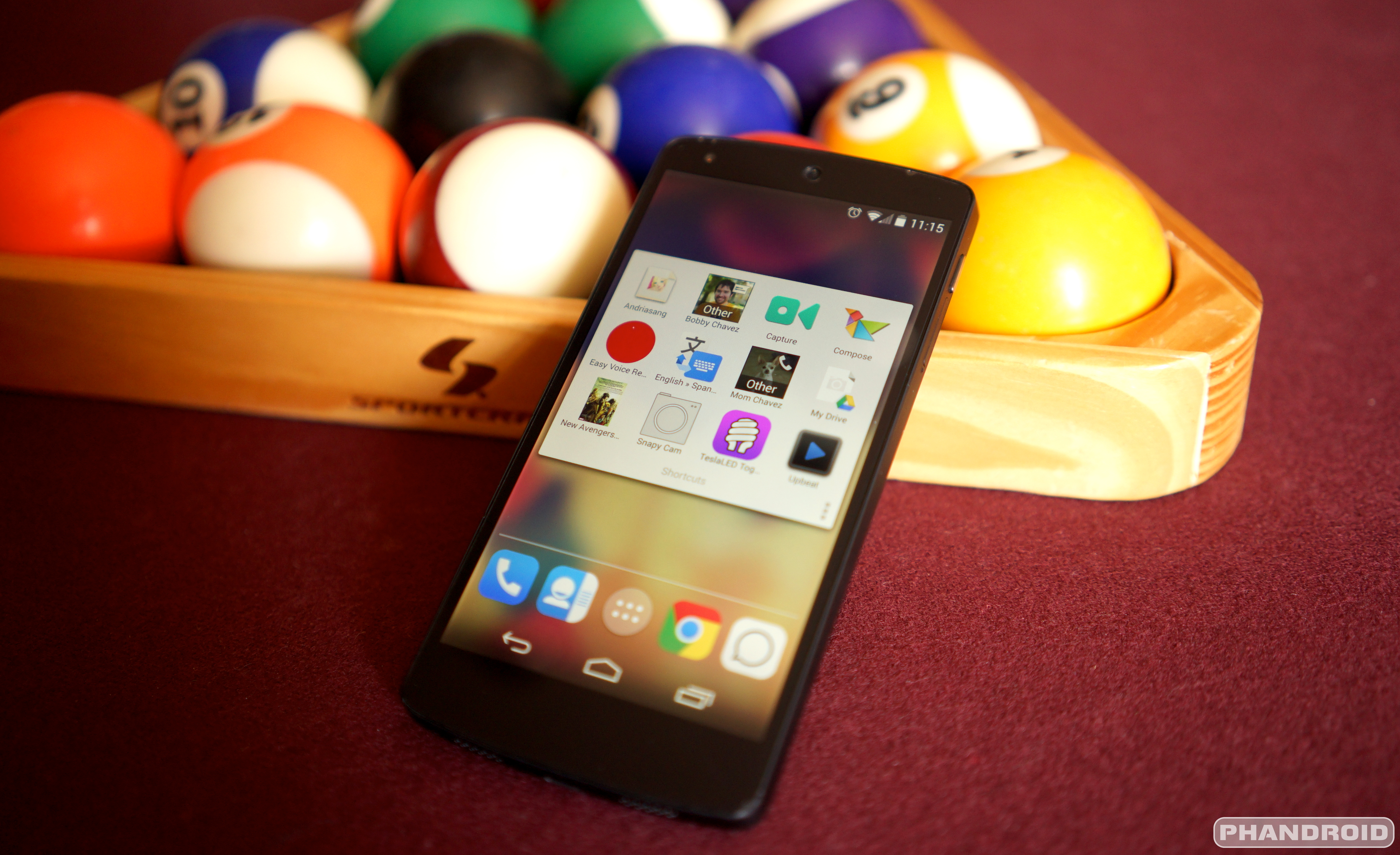
Want to try Project Fi (more invites are rolling out!) but don’t want to shell out for the Nexus 6 required to use it? One user on XDA reportedly found a way to get Project Fi activated for use on their Nexus 5.


The skinny of the story is that they simply used a Nexus 6 to activate Project Fi service, and made use of a nanosim-to-microsim adapter to use the SIM card inside of a Nexus 5. Service was said to be perfectly functional for incoming and outgoing calls, as well as full LTE data, but the user was unable to verify whether Google’s hand-off technology (to automatically switch between Sprint, T-Mobile and WiFi) was working.


There’s also the issue that there haven’t been many other reports of success. Most people who have tried (and failed) to activate Fi for use on a Nexus 5 tried to activate service on the Nexus 5 itself, but to our knowledge this is the first and only report of someone using a Nexus 6 to give the initial activation a go.


There are a couple of issues to note for anyone whose ears suddenly perked up at the thought of not having to own a Nexus 6 to use Project Fi:


  • It’s unlikely Google’s network hand-off technology will be supported, as Google originally confirmed there’s a mixture of software and hardware components needed to facilitate it.

  • Your device could be limited to use on T-Mobile’s network only as Sprint’s network requires an MEID number that’s been approved for service.


So, all of that is to say that using Project Fi on anything other than a Nexus 6 would be akin to using a smartphone on any standard MVNO carrier. Unless you’re a huge fan of how Google runs the administrative side of the service — such as pricing (which isn’t even the best value you can find) and plan features — then there’s really no real current benefit in using Fi on other devices.


But if all of that is OK with you then, by all means, be sure to give it a go if you can borrow a friend’s Nexus 6 for activation. Information is still being gathered so there are still a lot of questions as to the specifics of how Fi service would work on different devices. If you happen to try this approach be sure to report back with your results — whether that’s here or over at the original XDA thread — to help contribute whatever information you can.


Pushbullet devs introduce super simple WiFi file transfer app called Portal [VIDEO]


portal pushbullet


The developers behind Pushbullet are gearing up to bring a big update to the push notification app soon, but first they dropped a brand new app on us. It’s called Portal, and it enables you to transfer files from your computer to your Android phone.


It’s not super exciting or some new concept, but it is simple, and it is fast. It works by transferring files over your local WiFi network, so you don’t have to deal with shoddy connection and server speeds. Files transferred to your phone are easily accessed either within the app or Android’s standard file browser.


It’s different from Pushbullet’s file transfer feature which can work even if your two devices aren’t on the same network. We’re not sure why it couldn’t simply be brought to Pushbullet as a new feature, but we won’t complain — it’s free and it’s awesome.


The developers have plans for big updates soon, including the ability to transfer files from your phone to PC.


And that’s about it. Like we said: simple, but sweet. Give it a go over at Google Play.


[via Pushbullet]


Improve the Samsung Galaxy S6 memory management with a simple build.prop tweak


Samsung Galaxy S6 DSC09364


Samsung is still searching for a solution to a memory leak issue that’s been plaguing the Samsung Galaxy S6, but some crafty XDA developers seem to have found a dirty fix in the meantime. Well, it’s less of a fix and more of an improvement, and it involves a simple edit of your device’s build.prop file.


If you’re not sure what it is, a build.prop file stores lots of information about device details and configurations. Changes in the document could do as little as modify your phone’s build name, or as much as tweaking flags for the kernel.


You do need to be rooted in order to edit your build.prop file, and we should also mention this is risky stuff and should only be done if you know what you’re doing and are willing to live with any unforeseen consequences that may surface as a result.


That said, if you’re clear of the dangers and capable of accepting responsibility for what you do on your device, you can make the following changes (use this app, or use a root file manager to edit the file yourself):


In your build.prop under #DHA Properties change these two lines:


Code:

ro.config.dha_cached_max=12
ro.config.dha_empty_max=36


Add these 4 lines:


ro.config.dha_th_rate=2.3
ro.config.dha_lmk_scale=0.545
ro.config.sdha_apps_bg_max=70
ro.config.sdha_apps_bg_min=8


Scroll down beyond the DHA properties where the other properties are stored and remove duplicate entires of


ro.config.dha_cached_max=
ro.config.dha_empty_max=
ro.config.dha_th_rate=
ro.config.dha_lmk_scale=


Finally this one will change your LMK values:


ro.config.oomminfree_high=7628,9768,11909,14515,16655,20469


When all is said and done, you should have a device that takes it easy on guzzling your RAM, though the developer notes that users might still have problems when using apps that rely on WebView. That’s a small caveat to accept, though, so we’d give it a go anyway if you’re tired of waiting on Samsung to deliver the goods.