Affichage des articles dont le libellé est bring. Afficher tous les articles

lundi 6 juillet 2015

LG’s next event happens April 28th in 6 different cities, & it should finally bring us the LG G4


lg g4 event invite


LG has finally set a date for their first big event since CES 2015. The company has announced an April 28th shindig where they want us “see the great” and “feel the great.” We imagine this event will serve as the launching pad for the LG G4, especially since it’s being simultaneously held in 6 different cities (New York, London, Paris, Seoul, Singapore and Istanbul) and because LG has yet to bring us their flagship contender for 2015.


We still don’t know what, exactly, to expect out of LG for the G4. Recent leaks have shown that the device will adopt a design similar to that of the LG G3 of yesteryear and the LG G Flex 2 revealed at CES a few months ago. That said, leaks aren’t always reliable — ask @evleaks — and we could end up seeing something totally different.


One thing to note about the invitation being sent to press is that it looks like a leather book cover, such as one you’d find on a premium notebook. Does this mean the LG G4 will have that same faux leather with stiching we loved (or hated) on Samsung’s 2013 phones? That’s a slim possibility, but our bet is that — if this invite is indeed showing a notebook in its background — it’s teasing the Note variant of the LG G4 that will come with a stylus.


Or it could just be that LG’s PR team wanted to use a nice looking background, and we’re talking a whole lot of something about a whole lot of nothing. Either way we’ll know what the company is planning for sure once April 28th rolls around. Mark your calendars!


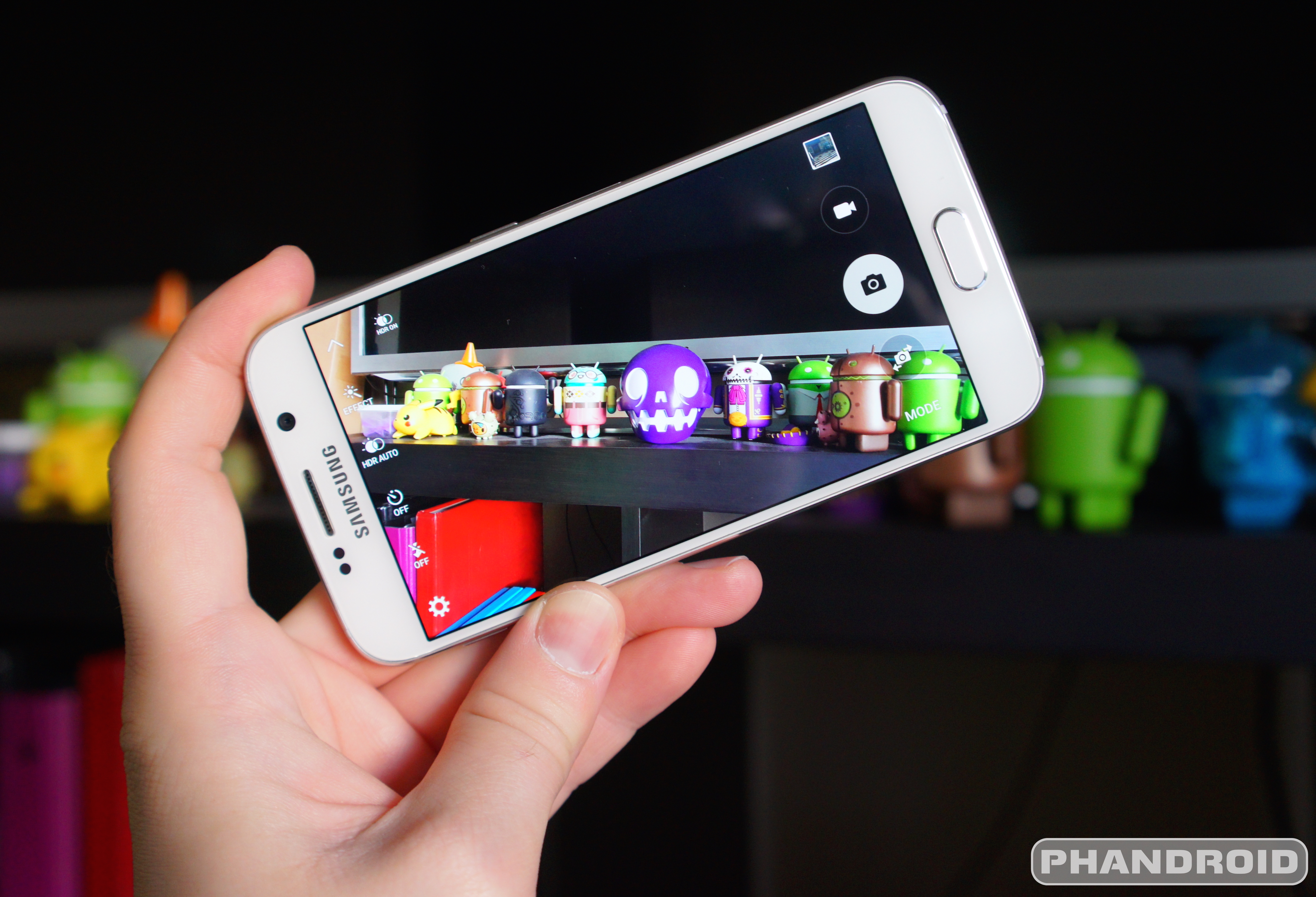
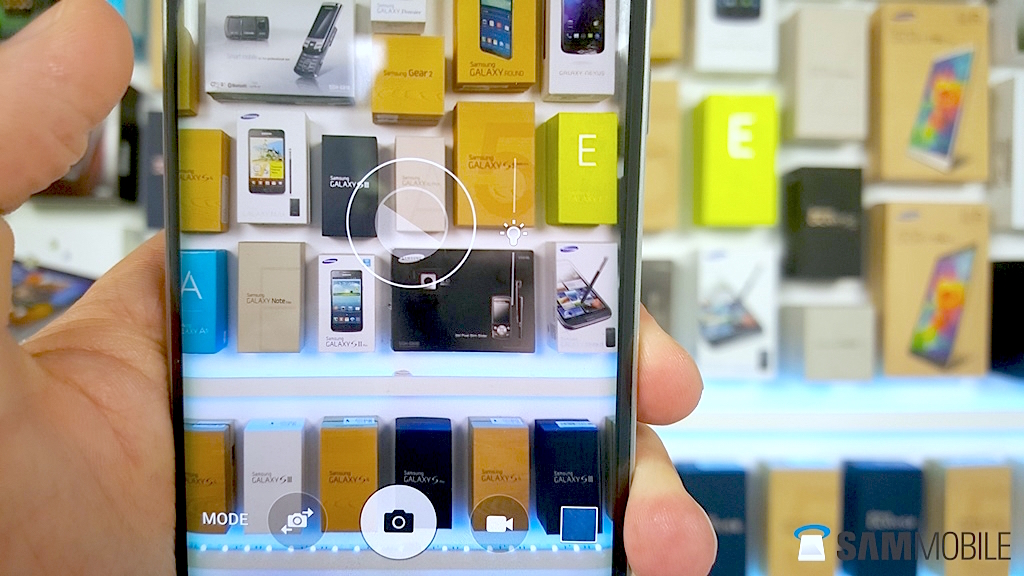
Samsung prepared to bring 128GB flash storage to mid range phones


Samsung_128GB_3-bit_eMMC_5.0_Memory_Storage


While we’re waiting for most flagships to get off the 16GB, 32GB and 64GB trends, Samsung is already looking to bring mid-range devices up to the new 128GB standard. The company has announced the development of a new 128GB NAND flash module based on 3-bit eMMC 5.0.


It’s a low-cost, low-power technology that delivers a level of performance acceptable for mobile devices without sucking your battery dry. This is opposed to the advanced UFS 2.0-based NAND flash found inside the forthcoming Samsung Galaxy S6 and S6 Edge.


Samsung’s intentions for this stick to hit mid-range might not make much of a difference in terms of actual availability. They might use it in a few of their own mid-range options down the line, but if this module is more expensive for an OEM than, say, a traditional 16GB or 32GB option then they’re likely to go with that to keep costs as low as they can. It’s cool that it’s here, though, and we’re keeping our fingers crossed that it makes its way into some decent smartphones once Samsung begins sampling.


[via BusinessWire]


New app lets you bring one of the Samsung Galaxy S6 Edge’s best features to any phone (sort of)


Samsung Galaxy S6 Edge display DSC08581


The Samsung Galaxy S6 Edge won’t be along until April 10th, but if you’re finding it hard to wait that long you can get a small taste of what it’s like to use one of its coolest feature ahead of actually getting one.


A new app called Edge Color Notifications has hit the Google Play Store, and its function is as you’d imagine: it’ll illuminate the sides of your display in different colors depending on who’s calling. You’ll be able to choose from the entire set of colors available on a standard color wheel, and you’ll have control over whether the right side, left side or both sides of the screen illuminate during a call.


Before you rush to go download it, there are a couple of things you should note. For starters, this doesn’t come with any of the cool features that the Samsung Galaxy S6 Edge provides like being able to pull on a contact’s color to gain access to messaging and other contact options.


Something else to note is that the “cool” factor of this feature on the S6 Edge mostly has to do with the fact that its curved display makes it easy for the display to illuminate the surface it’s sitting on when face down. Kind of hard to replicate that if you’re using a phone without a curved display (of which there aren’t many).


Perhaps a bit of light can shine through, but it won’t be nearly as profound of an effect as it is on the Samsung Galaxy S6 Edge. Still, it’s pretty cool that someone was able to make something like this just days after they got the inspiration. Give it a download for free right here if you’re interested.


Android M could bring native support for fingerprint scanning hardware


Android-M


Before the Nexus 6 launched, there were hints inside AOSP that suggested the phone would come equipped with a fingerprint scanner. And according to ex-Motorola CEO Dennis Woodside, it would have had Apple swooped in and muddied things up.


If you’ve been doing this Android thing for awhile now, you’d know that fingerprint scanning smartphones are nothing new to Android. You can find them on Android devices dating all the way back to the original Motorola Atrix. It wasn’t until years later — no doubt thanks to the success of the iPhone 5S — Samsung followed suit with a scanner built into the Galaxy S5, albeit much more clunky than Apple’s implementation. More recently, HTC jumped on board with the HTC One M9 Plus and before that, the HTC One Max.


We said all that to say this: without a universal Android API for OEMs to tap into, all these manufacturers have to build their own solutions. That means proprietary software and the fingerprint reader only playing nice with a specific apps. With all kinds of security methods built into Android (even face detection) it’s odd that Google hasn’t addressed fingerprint scanners into Android. But that could soon change.


A new report from BuzzFeed suggests that Google will soon support native fingerprint authentication within Android, allowing users to log into apps like the Google Play Store using nothing but their fingerprint. Ars Technica was able to corroborate this story with their featured post recapping some of the thing we can expect out of this year’s Google I/O.


Also worth pointing out is how current Nexus hardware wouldn’t be able to support the necessary software APIs with a lack of fingerprint scanning hardware. If these new APIs are confirmed in a few more days, it could mean this year’s Nexus device will come equipped with a fingerprint reader. How else would Google test their new software?


Android 5.1 for the Samsung Galaxy S6 will bring super easy exposure controls


Samsung Galaxy S6 DSC09411


Without question, the Samsung Galaxy S6 camera is one of the best we’ve ever used — even when paired against the iPhone 6. We raved about it in our review. But no matter how amazing the quality of a smartphone’s camera, there are those times when it just can’t get some things right. Like the exposure.


Whether it’s a brightly lit background, or just simply too much direct sunlight, sometimes you need to be able to manually change the camera’s exposure setting and diving into menus or settings isn’t the most effective way to do this. Apple knows this and it’s one of the reasons the iPhone 6 was one of the first to introduce super easy and quick exposure adjustments in their camera app. Recently, Motorola followed suit with an update to their camera app which added similar functionality on the Motorola Moto X (2014) and Motorola DROID Turbo.


Samsung Galaxy S6 easy exposure controls


Today, the folks at SamMobile have revealed a similar feature headed to the Samsung Galaxy S6 and Samsung Galaxy S6 Edge, and arrives with the Android 5.1 update. The update is also said to bring other camera improvements like support for RAW shooting, and manual shutter controls while in Pro Mode. Android 5.1 is rumored to arrive for the Galaxy S6/Edge sometime in June for international models, although timing for carrier models remains to be seen.


Straight Talk Unlimited Data throttling now begins at 5GB for customers who bring their own phone


straight talk 5gb offer


It’s no secret by now that Straight Talk begins throttling customers’ unlimited data once they reach a certain point. The cap used to be a hard 2.5GB until they increased it by 500MB a couple of years ago. Now it’s possible to get even more.


A new promotion for folks who bring their own phone to the company nets them 5GB of 4G LTE data, after which you’ll be slowed down to the less exciting world of 2G/3G. The change goes into effect for all their unlimited plans, though the baseline “All You Need” plan (where you only get 100MB of data period) is obviously left out.


Straight Talk’s website bills this as a “special offer,” so we’re not sure how long it will last or if it’s a permanent promotion. For what it’s worth, the change applies to both new and existing customers so if you’re already going on one of the company’s unlimited plans and you’re using a device you bought independently from Straight Talk you should automatically reap the benefits. We’ll be looking to find out more about the change in the moments to come.


Google buys former iOS app Timeful to bring its time management smarts to Inbox and Calendar


Timeful iOS app


Google revealed on their official Gmail blog today that they’ve acquired the development team behind Timeful, a time management / to-do app originally exclusive to iOS. Timeful described their app as “the first intelligent time manager” which essentially infused a calendar with easy to use to-do lists and reminders. While that might not sound too advanced, the app also inserts “Habits” into your daily schedule whenever you have downtime, organizing times for you to take a walk, workout, or even “read for 30 minutes.”


Timeful features


It’s easy to see with all of Google’s services, why they’d want Timeful on their team. Google mentioned specifically that we’ll see Timeful features first make their way to Inbox and Calendar, with more plans in the near-ish future. Because Google Now is so heavily tied into most of Google’s services, you can imagine how many more convenient reminders with help from Timeful.


The original Timeful iOS app isn’t going away just yet, with the company mentioning that the app will continue to work, but will no longer have active development behind it. For a better idea of what Timeful is and how it worked, you can check out their promo video down below.


[Gmail Blog]


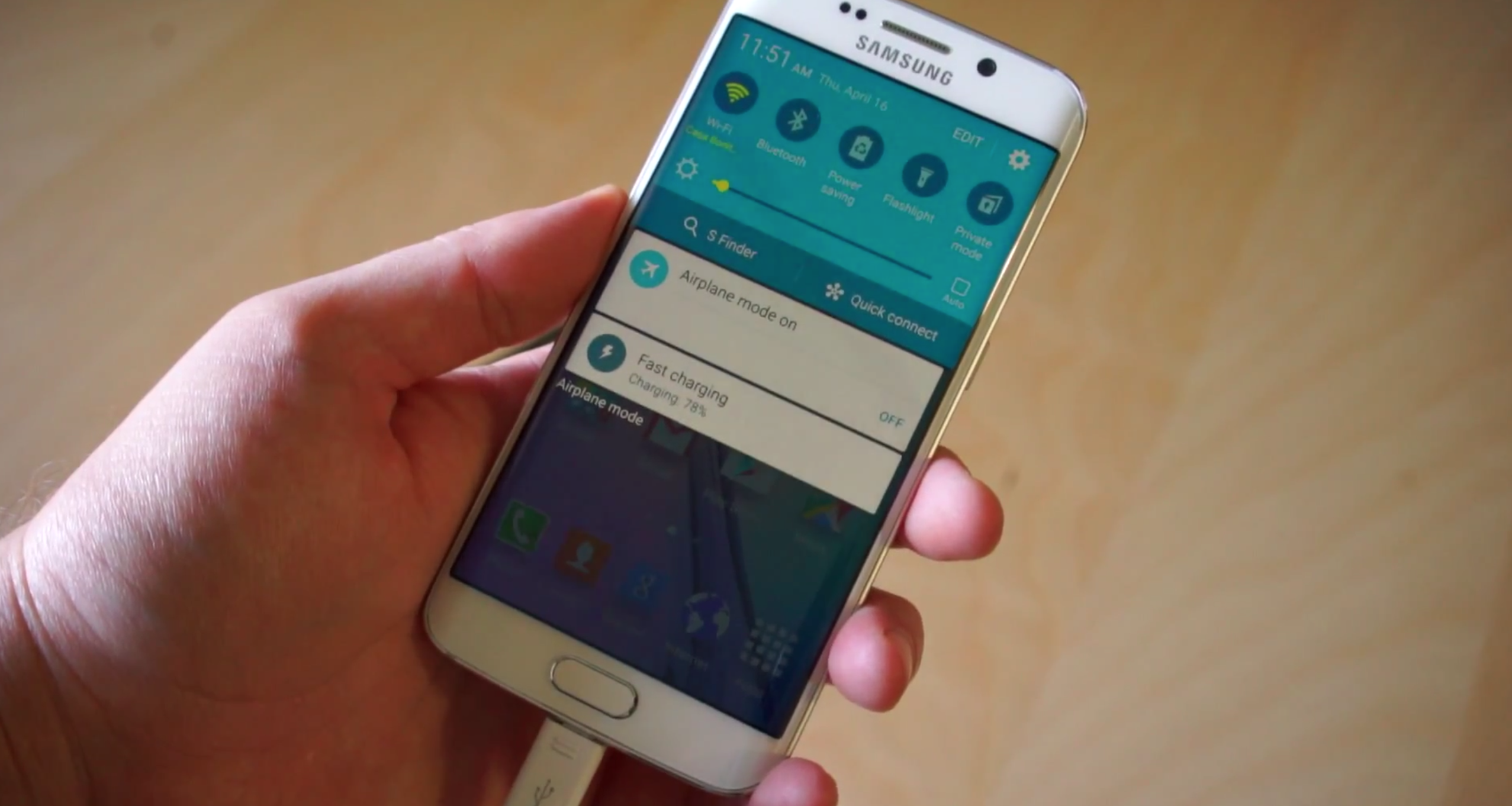
Download this app to bring Quick Toggles back to your Samsung Galaxy S6


Samsung Galaxy S6 Fast Charging


Samsung Galaxy S6 and S6 Edge users have noticed missing Quick Toggles following recent updates. Namely, the “Mobile Data,” “Private Mode,” and “Mobile Hotspot” toggles were nowhere to be found, with users not able to add them back by simply heading to settings.


Thankfully Samsung has issued a quick fix in the form of an app sitting on the Samsung Apps Store. It’s called QuickPanel Restore, and upon download there’s a simple one button operation to get all those toggles back.


Click on the big blue “restore” button, and voila — your toggles are back. We’re not sure why or how they were removed in the first place, but it’s nice to know we won’t have to wait for lengthy OTA processes to get it fixed. Be sure to download the app on your Galaxy S6 device ASAP if you’ve been affected by the bug.


New Google Fit partners bring support to more wearables, allow developers to pull even more data via SDK


Google Fit new partners


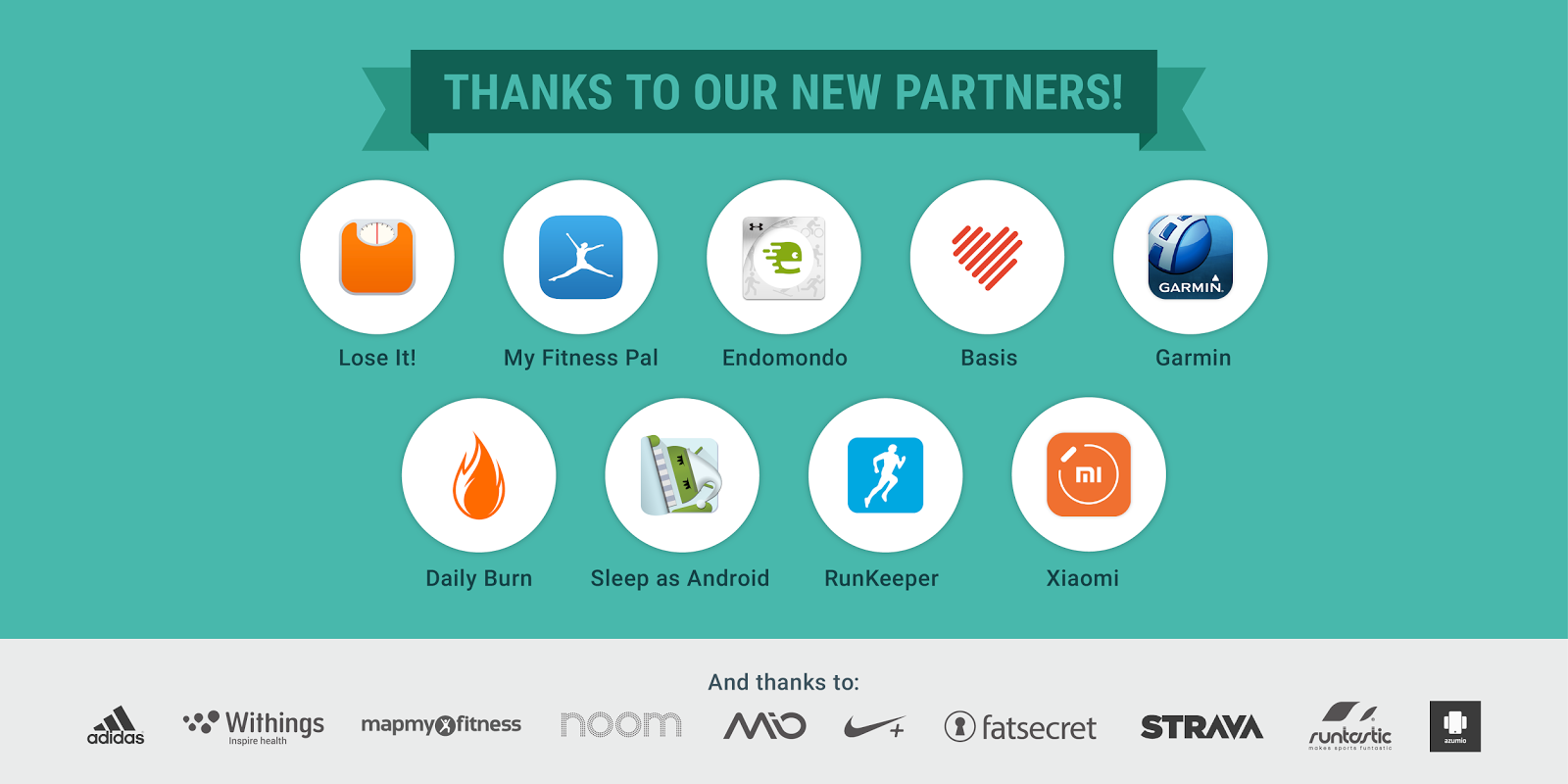
Back in May, Google announced an update to Google Fit that allowed users to track their fitness goals and history, even adding a handy Android Wear watch face to help users stay on top of things. Today, Google Fit Lead Product Manager Angana Ghosh announced a handful of new Fit partners not only adding Fit support to their wearables, but bringing additional data to the SDK.


Endomondo, Garmin, the Daily Burn, the Basis Peak, and the Xiaomi miBand are Fit’s latest partners. With new Fit support, users can now store workout sessions and activity data when using those wearables on their Android device. Others include LifeSum, Lose It!, and MyFitnessPal who bring nutrition data like calories consumed, protein, carbs, fats (even vitamins and minerals) for developers to tap into using the History API in the Fit SDK. A new sleep activity is also headed to the Fit SDK thanks to Basis Peak and Sleep Android.


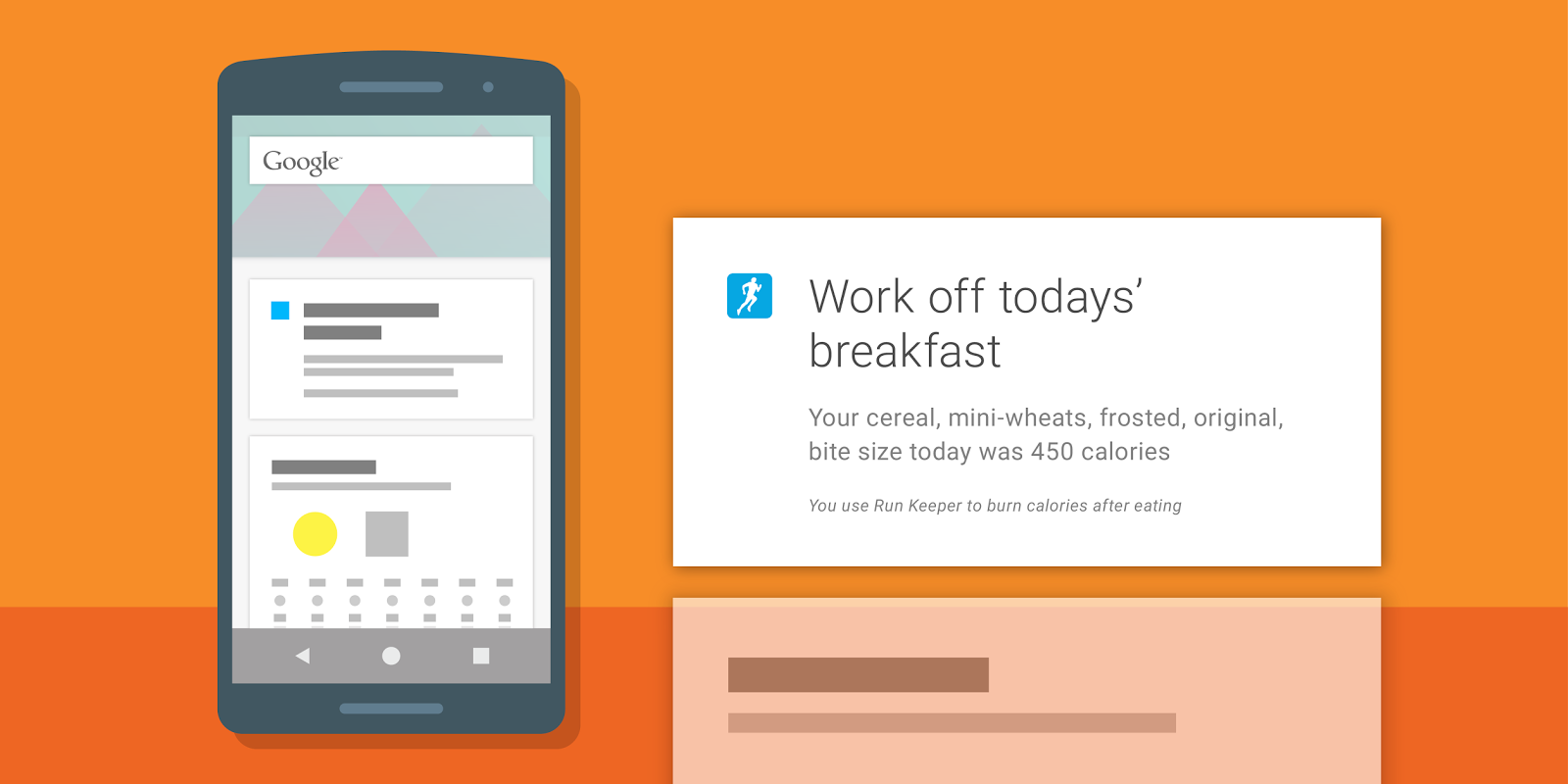
Google Fit Runkeeper meal data


Again, all this data is now accessible to any developer to incorporate into their own apps. For instance, based on meals written to Google Fit by other apps, Runkeeper can now display a Google Now card reminding users to “work off” meals they’ve just eaten. It’s like one big happy family of fitness services and data working together to help keep you in shape.


For those that like beta testing new software, Google mentions that Instaweather has recently integrated Google Fit into a new Android Wear watch face currently in beta. You can try it out by joining the Google+ community here and following the links therein to download the beta version of the app.


For more info on integrating the Google Fit SDK into your own app, check out the developer page here.


[Google Developers]


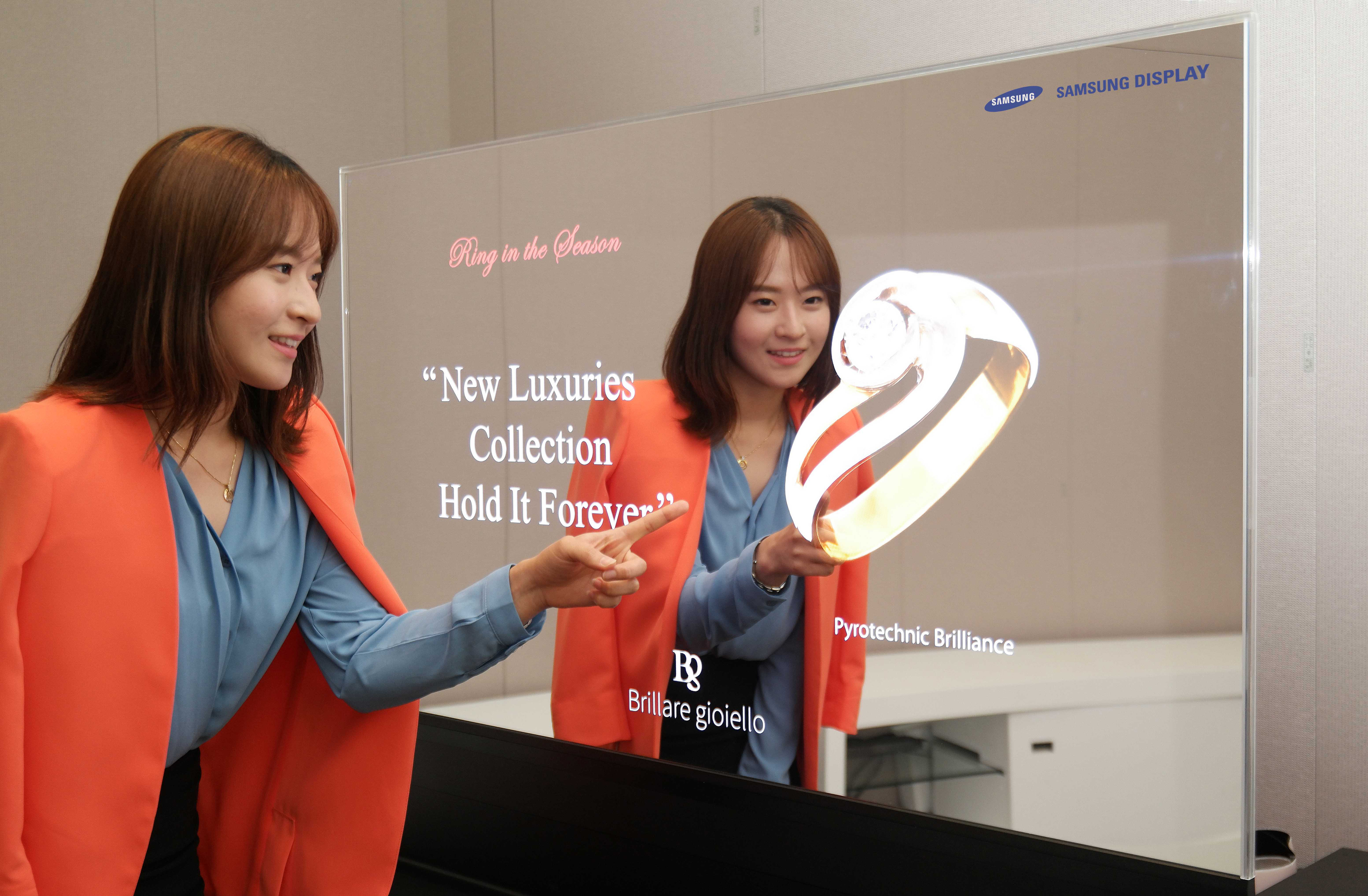
Samsung’s mirror display could bring us virtual fitting rooms


samsung mirror display


Samsung had some cool new display innovations to show off this week. First is a next generation translucent display, which has improved colors and contrast compared to the displays we’ve seen pop up over the past couple of years.


But really cool is Samsung’s new mirror display, which can show dynamic imagery while reflecting the world around it. One cool use case Samsung envisions for a clothing boutique is to use it as a virtual fitting room.


Imagine being able to try clothes on without, you know, having to actually put clothes on. It doesn’t do anything to help you get the clothes that fit best, mind you, but you can at least envision how you’ll look once you do.


Samsung’s examples mostly used the reflective displays in jewelry stores and cosmetic departments where these sorts of things could be valuable to a shopper. Whatever they use it for, it’s pretty cool and wouldn’t mind seeing it in a wide range of stores at some point down the line.


[via Samsung]


GM will bring Android Auto to Cadillac starting in 2016 cars


android auto in car 2


Android Auto is spreading to more and more devices, and another fleet of vehicles is confirmed to be in on the fun. GM has announced that Android Auto would head to their Cadillac cars starting with the 2016 run, which launches at some point this summer.


The upgrades will come as part of an enhanced CUE — or Cadillac User Experience — update that will feature new functionality and improved performance. Of course, you’ll need to make sure you have a phone with Lollipop by the time the cars arrive as Android Auto is only available on Android 5.0 or higher.


[via GM]