Affichage des articles dont le libellé est even. Afficher tous les articles

lundi 6 juillet 2015

The HTC One M9 and M8 look so much alike, not even HTC can tell them apart


Check out everything you need to know about the HTC One M9


HTC One M9 Facebook post


After numerous leaks — including an exclusive of our very own — suggested HTC would be more-or-less revising the design of the HTC One M8 for the all new HTC One M9 instead of drastically changing it, many were taken aback to find out the leaks were true. Especially considering @evleaks came out of nowhere with some beautiful renders of the device next to its bigger brother, the HTC One M9+.


In the end, the cold reality was a 2015 flagship that looked nearly identical to its predecessor, save for the back which features a new square camera and other very subtle tweaks. No matter how much HTC says to the contrary, the phone looks so close to last year’s HTC One M8 that even HTC is having trouble telling them apart.


We stumbled across a sponsored post from HTC’s Facebook page which was supposed to show off the BoomSound speakers on the One M9, but actually pictured last year’s One M8 instead. Ouch. Of course, we wanted to give HTC the benefit of the doubt. Maybe this was just an ad touting their One line’s BoomSound speakers only? Unfortunately, the text accompanying the photo clearly makes mention of the HTC One M9 in hashtag form. And if HTC can’t tell the 2 apart, how do they expect anyone else to?


Now, we understand comparisons made with auto makers who build upon the design of a flagship car line. A Corvette will always look like a Corvette and a Porsche, a Porsche. But in the case of the HTC One M9 and M8, maybe they were too close for their own good. Especially considering the great lengths their biggest competitor (Samsung) went through to revise their flagship Galaxy line.


[Facebook]


PSA: North American Nexus 6s have a tad bit of Verizon bloatware after Android 5.1 (even if you’re with a different carrier)


Nexus_6_Midnight_Blue


You might have heard that the Nexus 6 (in America, at least) is now starting to receive Android 5.1 Lollipop. You can even grab the OTA file right now and begin flashing it if it hasn’t already hit your phone. Most users will immediately notice a nice performance boost thanks to a large heap of bugs squashed by Google and co.


But those who dig even deeper might find something a bit unsettling: there’s a Verizon Backup app pre-installed. It can’t be uninstalled. It can’t even be disabled. And it’s there no matter which carrier you bought your Nexus through or who you have it activated with. It wasn’t on any of the firmware versions prior to Android 5.1, which makes sense considering Verizon’s Nexus 6 has just gone up for sale and it comes with Android 5.1 out of the box.


nexus 6 verizon backup screenshot


“The horror,” you might exclaim. “Big Red is evil,” you’ll shout. Before you grab those pitchforks and torches, though, there are a few things to note:


  • As Google mentioned when the Nexus 6 was announced, every single North American unit is the exact same hardware and share the exact same firmware in order to allow people to use it on whichever carrier they wish.

  • Verizon is not the only carrier to have one of these system apps included with the Nexus 6’s firmware. Sprint has an app called SprintDM that facilitates device provisions and activations for anyone who wants to use the Nexus 6 on their network, and it’s been there since the launch of the Nexus 6.

  • The Verizon Backup app can’t be disabled or uninstalled, sure, but it’s a mere 32KB in size, doesn’t exist in your app drawer and — as far as we know — does nothing to adversely affect your user experience. You’ll find that you can now add a “Verizon Backup” account under the standard accounts menu in settings, but it’s just as easy to ignore as anything else in that menu.


So we know this behavior isn’t new, but what we’re still trying to figure out is why Verizon’s Backup has to be included as a system app in the first place. SprintDM’s presence makes sense because it’s a necessary component to get the Nexus 6 automatically activated on the company’s network (which, in turn, is necessary since it’s possible to use any Nexus 6 on any network).


The only plausible explanation that comes to mind is that Verizon Backup requires some sort of low-level system access to work properly for those who need to use it, and Verizon doesn’t want to chance someone either not having the proper background service or accidentally uninstalling/disabling the app.


That’s just a guess, though — we won’t truly know until we can hear it from the horse’s mouth. We’ve reached out to some of our contacts to see if we can get an answer to all this, but in the meantime be sure not to freak out if you notice the app taunting you in your list of installed apps. It’s harmless, and you’ll probably forget it’s even there by the time the day is over.


HTC One M9 will be covered against accidental damages, even carrier switching [RUMOR]


HTC One M9 DSC08393


The battle between the next-generation of Android flagships is heating up. While it’s increasingly becoming harder to compete on raw hardware alone, OEMs are now forced to get a little more creative, looking to software or other services to gain that edge.


Last year, we saw HTC introduce the “HTC Advantage” which — aside from promising to deliver major Android releases for flagship devices — also offered a free, 1-time replacement of the display for the HTC One M8. It was a nice gesture, even if it was only limited to the first 6 months of the device’s life. For the One M9, HTC could be 1-upping that service on every level.


As Android Central is now reporting, HTC could be planning to introduce their new “UH-OH” Protection service (this is more than likely what HTC was planning on announcing during tomorrow’s event). The service will cover a new HTC One M9 purchase for up to 1 year from date of purchase and not just the display — even water damage.


Probably the most interesting addition is carrier switching is also covered, meaning if you change carriers during this year, you’ll get a free replacement to a compatible One M9 wherever your travels may lead you.


Suddenly, those early “overheating” reports don’t sound like the end of the world after all, right?


Pebble Time Steel is a classier watch with even better battery life


pebble time steel


Just one week ago we saw the announcement of Pebble Time, a new smartwatch from Pebble on Kickstarter. The Time boasts a brand new design, improved interface, color display, and the same great 7-day battery life. Many people are not fans of the Pebble Time’s “amateurish” design, but it still sold like crazy. Today Pebble has announced a new steel version of the Time.


The Pebble Time Steel looks a lot like the original Pebble Time, except it’s made out of stainless steel and comes with leather and metal bands. It’s amazing how much nicer this version looks. The Time Steel has a few more improvements as well. It’s 1mm thicker than the original Time, which gives it room for a bigger battery, and battery life up to 10 days. No other smartwatch on the market can come close to competing with that.


The display is laminated on the Steel Time, which should make the color e-paper look even better. Pebble has also added a nice subtle texture to the buttons. You can back the Pebble Time Steel on Kickstarter for 0 right now (will be 9 at launch). They’ve put the Time Steel in the same campaign, which means if you already backed the Time you can switch your pledge to the Steel. You’ll have your choice of black, silver, or gold.


smartstrap


Pebble also announced Smartstraps, a way for hardware manufacturers to add tech to watch straps. Things like NFC, GPS, heart rate monitors, and even extra battery can be built into a Smartstrap. Pebble hasn’t actually made any Smartstraps of their own, but they’ve released the schematics for other manufacturers to start building. It’s a really cool idea if it catches on. Are you going to back the Pebble Time Steel?


Game Review: How AdVenture Capitalist made me even more jealous of the 1%


adventure capitalist 2


AdVenture Capitalist isn’t a game that’s been around a long time, but long enough for folks to have found healthy addictions awaiting within. It’s a free “capitalism simulator” which tasks you with one straight-forward, forward-looking goal: make a crap ton of money, and do it fast.


You start the game as the humble owner of a meager lemonade stand, selling cups of the tangy goodness for a few bucks per pop. Eventually you’ll have enough to buy yourself a car wash. And then a pizza parlor. Soon enough you’ll be the proud owner of an environment-killing oil business. Amass enough money and you can buy even more of those businesses and make more of that money.


adventure capitalist 3


It all seems like mindless, pointless clicking at first… and then it hits you: this game feeds your desire to make as much money as humanly possible. It’s not quite so easy to do so in the real world, of course, so being able to live a money-laden lifestyle vicariously through the mechanics of this 25MB download hook you in.


You can’t even do anything with the virtual cash except buy more businesses, which in turn make your money. There are also upgrades which will double your profits. But beyond that? Nothing.


Yet, I find myself feverishly checking on my income as each hour passes. Have I made that next sextillion? (Yes, I said sextillion. It’s an astronomical number that I can’t even quantify.) Do I have enough money to buy another 100 oil companies?


If things start to feel like they’ve come to a crawl, it might be time to attract some angel investors. These little guys will juice your profits by 2% each to start, so if you attract 200 angel investors you can make 400% more than you normally would.


Getting these investors require you to sell all your businesses and start all over, but you’ll quickly find that you’ll make much more money in a quicker span of time. Eventually you’ll get to billions of angels, and you’ll make 0,000,000 before you can even lift your finger off the restart button. That feeling of overwhelming wealth (if ever there were such a thing) is akin to that of a classic Pulp Fiction adrenaline shot right to the heart, and it makes you want to get more, and more, and more.


And the cycle begins again. You make money. You buy businesses. You buy upgrades and managers. You attract investors. You start over. And over. And over.


This is AdVenture Capitalist, and it has somehow become the very first thing on my mind as I wake up each morning. Why couldn’t real life be this easy? Grab the download here if you dare.


Google Play Store 5.5 brings even more Material design animations and other small tweaks [DOWNLOAD]


Google Play Store


Just because OEMs seemingly never got the “Material design” memo doesn’t mean Google isn’t doing their part to show the world how its done. There’s probably no better place to find well-executed Material design than Google’s very own Play Store app.


Googler Kirill Grouchnikov posted onto his Google+ page about some new changes rolling out in the new Google Play Store update 5.5. It’s nothing too drastic, just some slightly tweaked UI animations and other small changes. But it’s enough to make us wish all our devices were running the most up-to-date version of Android as only those on Android 5.1+ are able to view them. Phooey.


You can either wait days (or even weeks) for the update to finally hit your device, or download the apk download for sideloading. Enjoy.


Download: Google Play Store 5.5.8


New Google Fit partners bring support to more wearables, allow developers to pull even more data via SDK


Google Fit new partners


Back in May, Google announced an update to Google Fit that allowed users to track their fitness goals and history, even adding a handy Android Wear watch face to help users stay on top of things. Today, Google Fit Lead Product Manager Angana Ghosh announced a handful of new Fit partners not only adding Fit support to their wearables, but bringing additional data to the SDK.


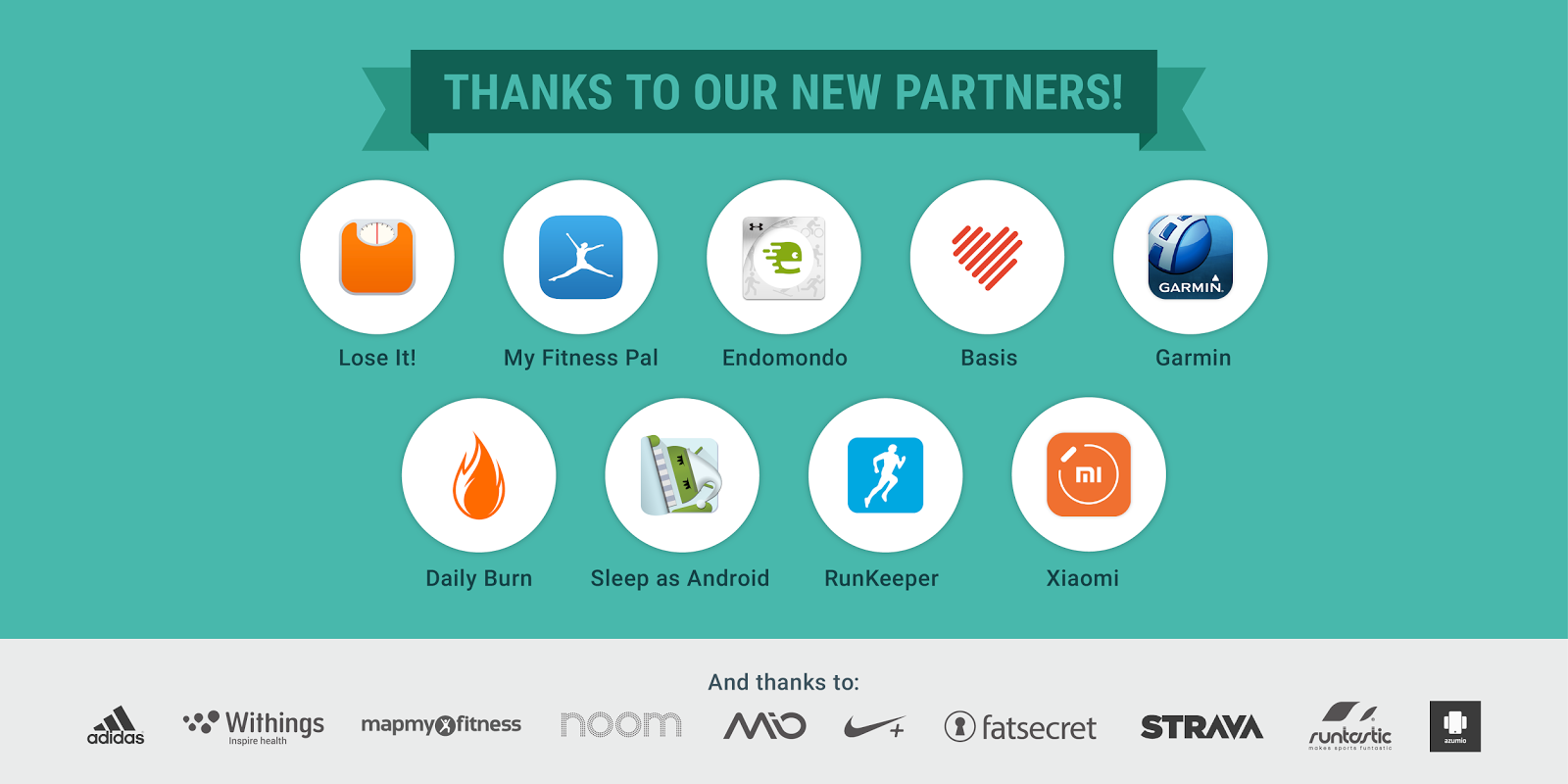
Endomondo, Garmin, the Daily Burn, the Basis Peak, and the Xiaomi miBand are Fit’s latest partners. With new Fit support, users can now store workout sessions and activity data when using those wearables on their Android device. Others include LifeSum, Lose It!, and MyFitnessPal who bring nutrition data like calories consumed, protein, carbs, fats (even vitamins and minerals) for developers to tap into using the History API in the Fit SDK. A new sleep activity is also headed to the Fit SDK thanks to Basis Peak and Sleep Android.


Google Fit Runkeeper meal data


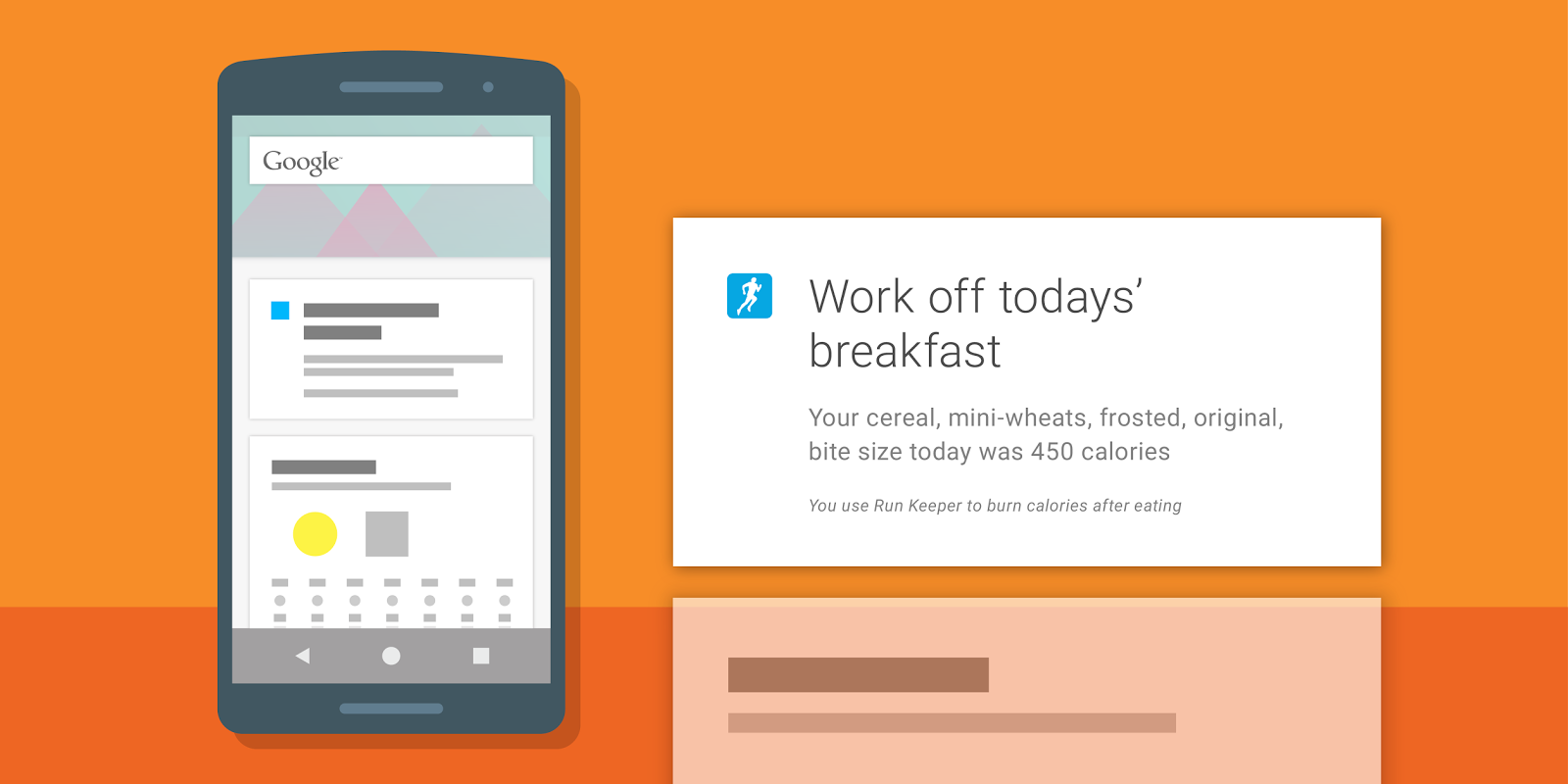
Again, all this data is now accessible to any developer to incorporate into their own apps. For instance, based on meals written to Google Fit by other apps, Runkeeper can now display a Google Now card reminding users to “work off” meals they’ve just eaten. It’s like one big happy family of fitness services and data working together to help keep you in shape.


For those that like beta testing new software, Google mentions that Instaweather has recently integrated Google Fit into a new Android Wear watch face currently in beta. You can try it out by joining the Google+ community here and following the links therein to download the beta version of the app.


For more info on integrating the Google Fit SDK into your own app, check out the developer page here.


[Google Developers]