Affichage des articles dont le libellé est pull. Afficher tous les articles

lundi 6 juillet 2015

T-Mobile’s next-gen coverage maps pull data from real-time customer usage


SEA_Map


T-Mobile’s strange-looking coverage maps used to be the inside joke of the wireless industry, but the company has made significant strides to improve their network in the past couple of years. With LTE, much-improved coverage, a forward-looking approach to network design and overall better network stability they’ve set themselves up for a nice future, and now they’re looking to flaunt it with their “next generation” coverage map.


The map uses crowd-sourced real-time data points to give users a clear — and, more importantly, accurate — idea of how strong T-Mobile’s network is in their area. They also use public speed test results to show you an average of the types of data speed users experience in any given area. Here’s the full breakdown of what their new coverage map brings:


  • Customer-verified coverage based on actual customer usage, resulting in a vastly more transparent and accurate map, showing, for example, exactly where you can expect 4G LTE, 4G, 3G or other levels of coverage.

  • A Verified Coverage icon indicating where the majority of data is provided by T-Mobile customers reporting their actual network experience, providing an added layer of confidence.

  • Data that’s updated twice monthly − compared to data presented on the carriers’ maps, which is already dated by the time it’s printed and published and may be months or even years old.

  • Speed test data from trusted third party apps showing average download speeds from customer speed tests over the last 90 days.


It’s nothing other apps haven’t been trying to do for years to help customers make informed decisions about finding the right carrier for them. Carrier Coverage is one app that looks to fill that need. But this is the first time a carrier has taken it upon themselves to create a coverage map based on crowd-sourced data and provide more than just pretty colors on a meaningless map. We’d love to see the other big 3 follow suit. You can check it out for your area right now by heading to T-Mobile’s coverage website here.


[via T-Mobile]


New Google Fit partners bring support to more wearables, allow developers to pull even more data via SDK


Google Fit new partners


Back in May, Google announced an update to Google Fit that allowed users to track their fitness goals and history, even adding a handy Android Wear watch face to help users stay on top of things. Today, Google Fit Lead Product Manager Angana Ghosh announced a handful of new Fit partners not only adding Fit support to their wearables, but bringing additional data to the SDK.


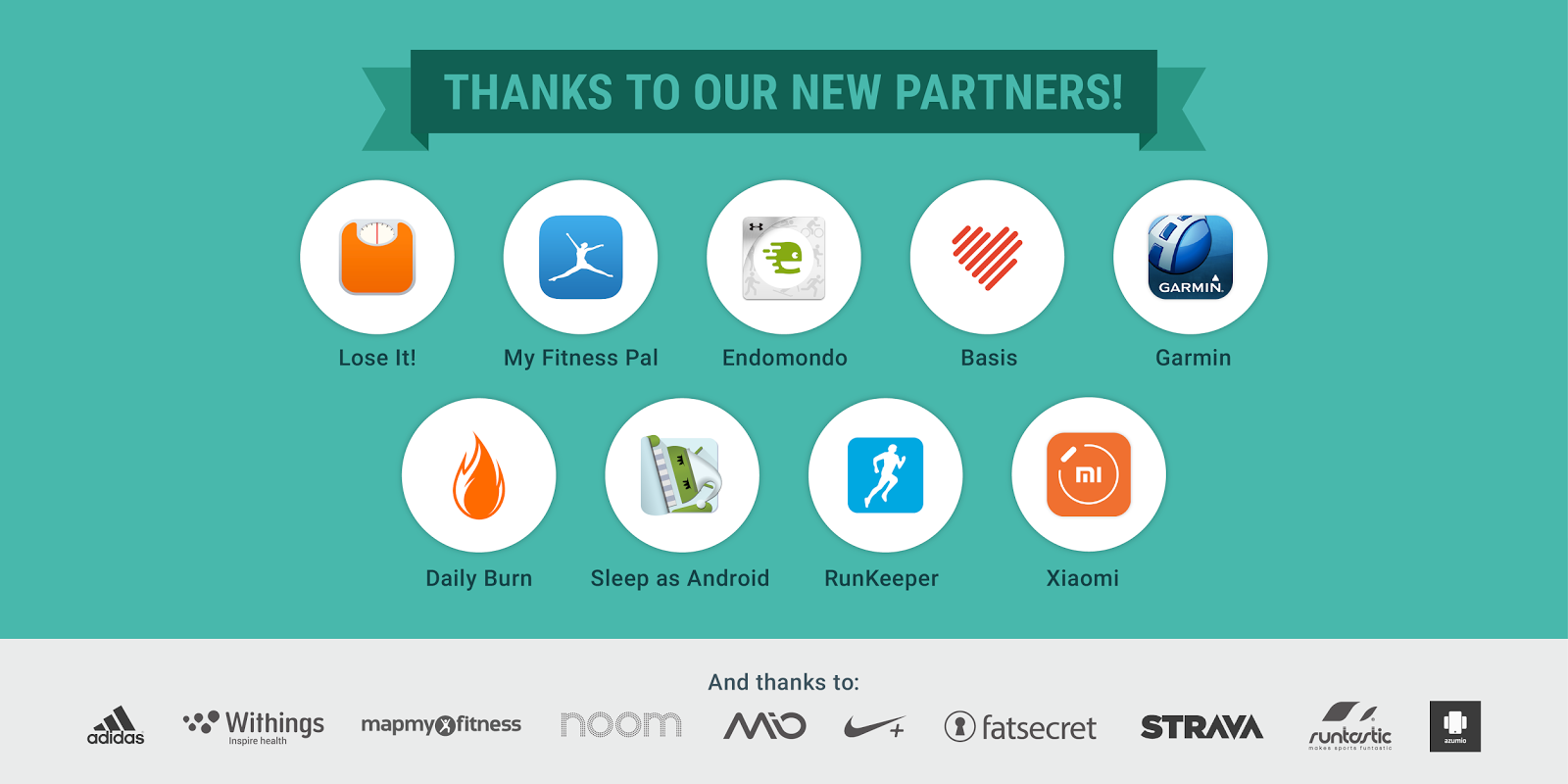
Endomondo, Garmin, the Daily Burn, the Basis Peak, and the Xiaomi miBand are Fit’s latest partners. With new Fit support, users can now store workout sessions and activity data when using those wearables on their Android device. Others include LifeSum, Lose It!, and MyFitnessPal who bring nutrition data like calories consumed, protein, carbs, fats (even vitamins and minerals) for developers to tap into using the History API in the Fit SDK. A new sleep activity is also headed to the Fit SDK thanks to Basis Peak and Sleep Android.


Google Fit Runkeeper meal data


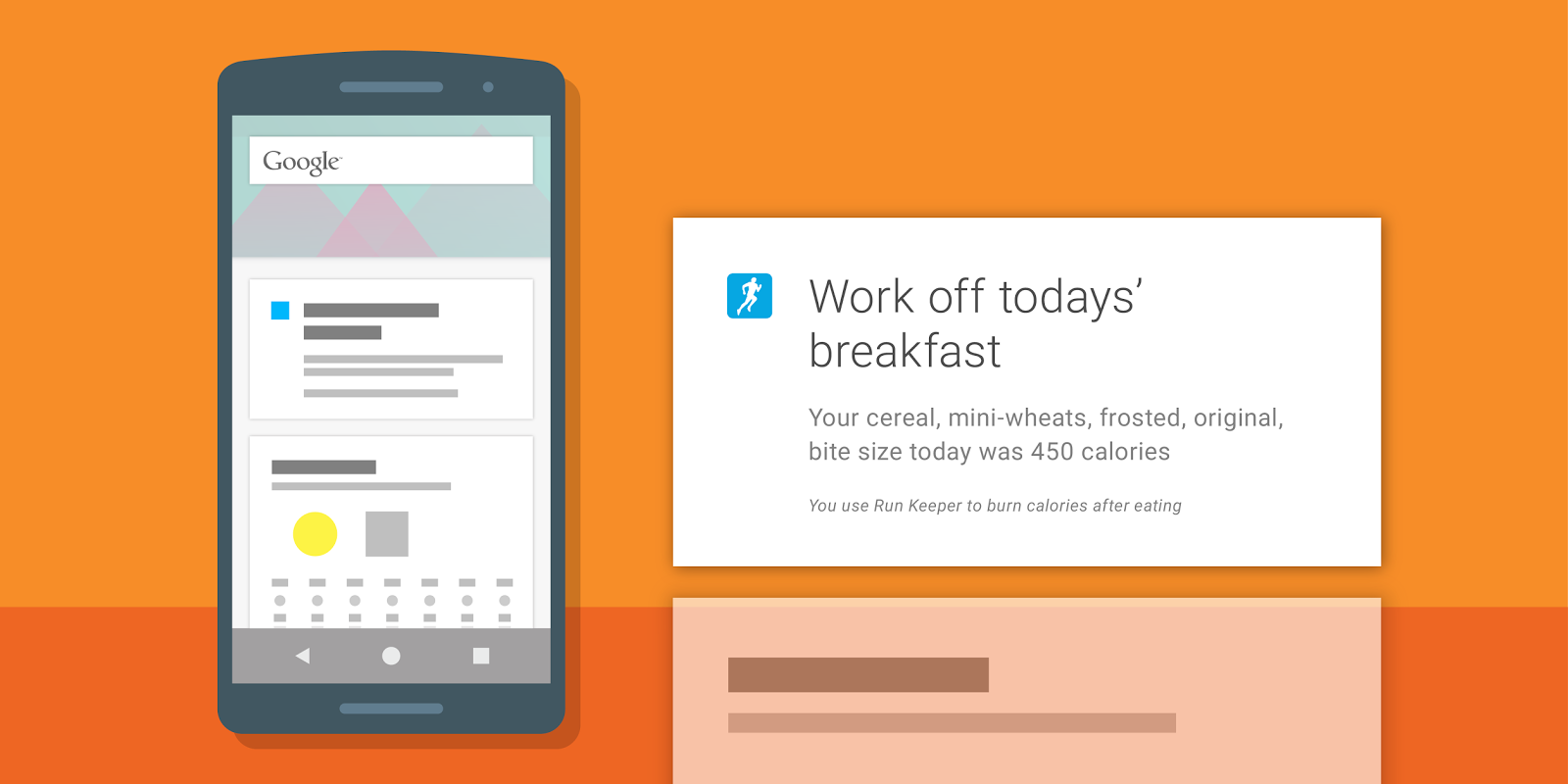
Again, all this data is now accessible to any developer to incorporate into their own apps. For instance, based on meals written to Google Fit by other apps, Runkeeper can now display a Google Now card reminding users to “work off” meals they’ve just eaten. It’s like one big happy family of fitness services and data working together to help keep you in shape.


For those that like beta testing new software, Google mentions that Instaweather has recently integrated Google Fit into a new Android Wear watch face currently in beta. You can try it out by joining the Google+ community here and following the links therein to download the beta version of the app.


For more info on integrating the Google Fit SDK into your own app, check out the developer page here.


[Google Developers]