Affichage des articles dont le libellé est Gmail. Afficher tous les articles

lundi 6 juillet 2015

Google’s “Pony Express” project will let you pay bills from your Gmail inbox


google pony express 1


Bills — we all hate them. Anything that tells you “your money is ours and you must pay, or else” is the enemy of our enemy. But they must be paid, and according to the latest rumors Google is looking to make the process of paying it simple.


They’re calling it Pony Express, a codename for sure, and it’ll do more than just group all your bills into their own folder on Gmail. Google is actually planning to let you pay those bills directly from within Gmail, if the information Re/Code obtained is accurate.


google pony express 2


Above are a couple of sample screenshots Google is using internally to envision what the user interface would look like. You’ll see who the bill is from, how much is owed and which date payment is due by. Diving into the email can show you more details, and in some cases will ask you if you want to pay. There will even be a feature that lets you automatically split bills between yourself and, say, a spouse or roommate.


google pony express 3


The service would require some personal information on part of the user, such as your credit card number, name, address and even your social security number. Sounds like a nightmare for an information company such as Google to have, right?


That’s the cost of convenience these days, though. Verification is done through a trusted median called Identico (and you should note that Google already collects a lot of this information for those who use Google Wallet). It’s likely the extent of the information needed is due to combat any type of fraud that a user might be susceptible to.


Google is apparently aiming to launch the service around the fourth quarter of this year, and they’re said to be in the process of lining up third-party companies who want to make this route of paying bills available to their customers. Would you opt-in should this come to pass?



You can now customize snooze times in Inbox by Gmail (and Google finally added a Contacts button)


inbox by gmail


Google has published a quick update for Inbox by Gmail that makes a small, but important tweak: you can now customize your “morning” and “evening” times for snoozing email. The app originally sets 7:00am and 7:00pm for snooze times for everyone who downloads it, but that might not always be the most convenient (such as for yours truly, whose mornings unfortunately begin far before the sun rises at 7:00am).


If you’re not aware what snoozing in Inbox is, it’s a feature that lets you dismiss an email until a later time. The email will popup again at the time you specify as if the email just arrived in your inbox. It’s a very convenient tool that makes it tough for you to forget about an important or interesting email that you can’t read immediately.


snoozing email inboxGoogle says the latest change will go into effect automatically, so there’s no need to wait for an update from Google Play. It’s also obviously immediately present in the desktop website as well.


Google will ask you if you want to customize your snooze time the next time you go to snooze an email, and anything you snooze from there on will popup at your new time (even if you previously had an item snoozed before the update arrived). You’ll also be able to differentiate between morning and evening times, so your 6am wake up time doesn’t necessarily have to be matched by a 6pm evening time.


Oh, and one more thing: Google finally added a quick button to access Google Contacts on the desktop web from within Inbox. It’s about damn time.


[via Google]


Gmail update brings Oauth support for Yahoo and Microsoft email accounts


Gmail All Inboxes View tablet


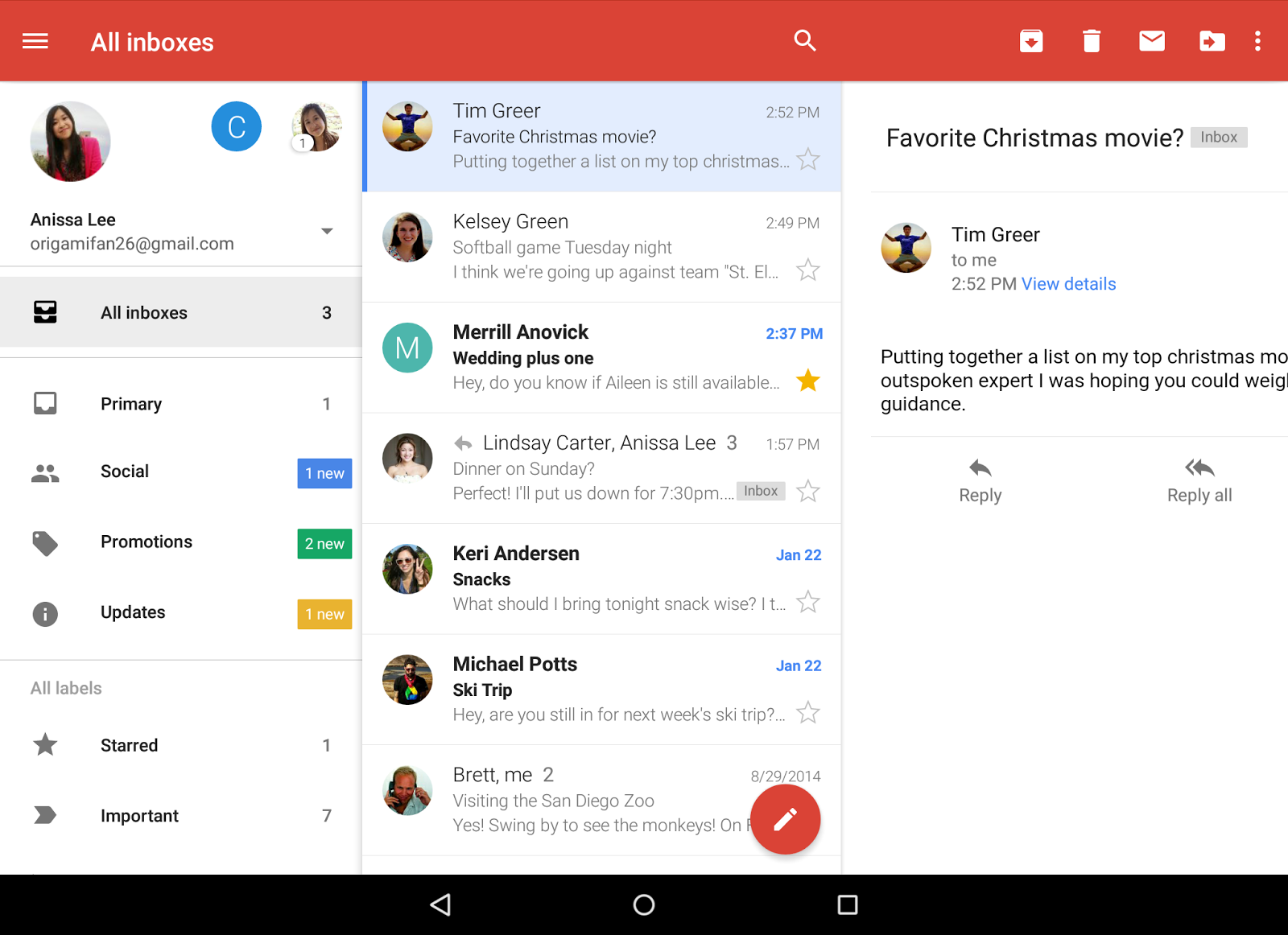
Last year we saw Gmail updated to version 5.0 with the ability to add inboxes from Yahoo, Outlook, or any other POP/IMAP email accounts. It was a pretty big move, but one that may have been a little too light on security for some folks.


Today, Google has announced that they’ve officially brought Oauth support to Yahoo and Microsoft accounts. This means anyone using these can take advantage of added security features like 2-step verification and/or account recovery. It’s already available in the latest Gmail update which is already rolling out on the Google Play Store.


Download link provided below for your convenience.


[Google]


Inbox by Gmail now uses natural language recognition to suggest reminders to add


inbox reminders


Inbox by Gmail has just gotten a lot cooler for those who make use of Google Reminders. The app can now automatically suggest reminders to add by using the company’s natural language engine.


It does so by examining the contents of an email and determining whether a reminder could be set. For instance, an email from your wife saying “Don’t forget to get the milk tonight” could automatically set a reminder for later that night to pick up milk. Simple and easy on our end, which is what this whole natural language engine is all about.


keep_reminders


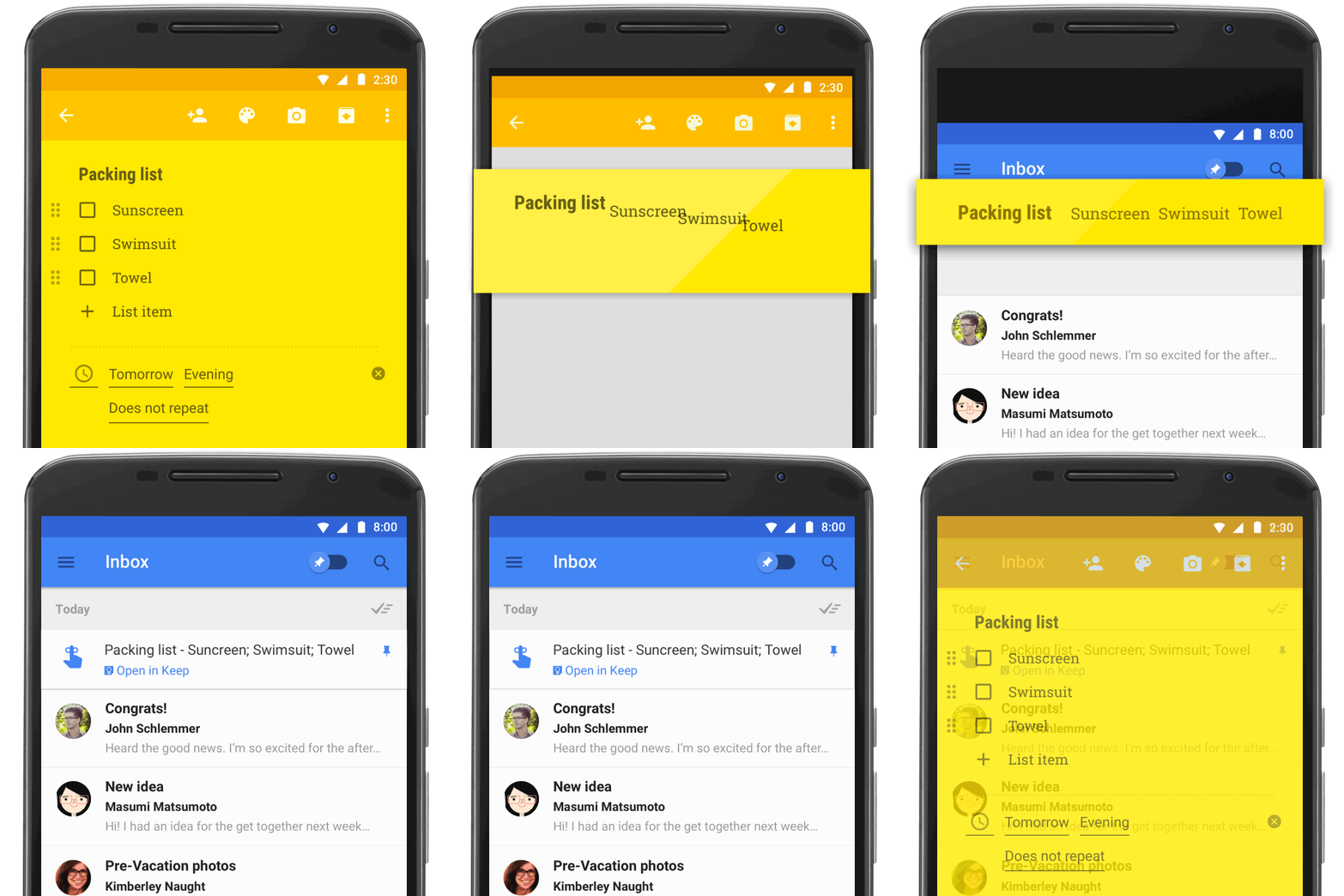
Google has also made it so that making a reminder in Google Keep can make them show up in Inbox. Clicking a reminder in Inbox can take you back to its entry on Keep where you can view additional notes you may have added with the reminder.