Affichage des articles dont le libellé est email. Afficher tous les articles

lundi 6 juillet 2015

Boxer will be the driving force behind Cyanogen OS’s email


cm_boxer_press


For far too long has Cyanogen been content with AOSP’s email experience. They want to give their users better, so they’ve teamed up with Boxer to bring an email experience that might actually make you want to use email.


The partnership will make Boxer’s email app the default for the forthcoming Cyanogen Os 12 update, and it will be pre-installed as the email client on devices that ship with Cyanogen OS going forward.


This new partnership between Boxer and Cyanogen brings more than just pre-installation clauses. Boxer’s user interface is getting upgraded to match the look and feel that will be present throughout Cyanogen OS 12, and there are a few unique features that Cyanogen users will have access to that aren’t currently available in the existing Boxer app:


  • Customization: Cyanogen users can now set their own left and right swipe actions, notification sounds, account colors for LED email notifications, and create custom inbox folders.

  • Integrated Task Management: Users can create a task, set a due date, priority level, and even set an assignee right from their inbox.

  • Integrations: Cyanogen users will be able to access popular productivity apps, including Evernote, Box, Dropbox, Google Drive, and others, right inside their email inbox.


Looks good, sounds good to us. No word on if any of these changes will ever find their way into the Google Play version of Boxer yet, but we’ll be looking to find out. In the meantime take a look at the sneak peak they gave us in the image above and patiently await the Cyanogen OS update we’re all greatly anticipating.


[via Boxer]


Mobile Roar 90: LG G4, email from the Samsung Knights, fart detectors, and more!


Previous episodes of the Mobile Roar Podcast


This week we’re talking about the LG G4 in all its glory. Is it better than the flagship phones from Samsung and HTC? Can LG be trusted with timely updates? We also discuss the gigantic size of Samsung, Apple Pay popularity (or lack thereof), Android and iOS apps on Windows 10, fart detectors, Google desktop tricks, and much more! Thanks for watching/listening!


Emails from The Samsung Knights


Big News


Quick Hits


Wins/Fails


App Picks


What phone is Chris using: Galaxy S6


Follow Us


Subscribe


Hear us on Stitcher Radio
Subscribe on iTunes
Add RSS feed
Download MP3


MR show 90


Gmail update brings Oauth support for Yahoo and Microsoft email accounts


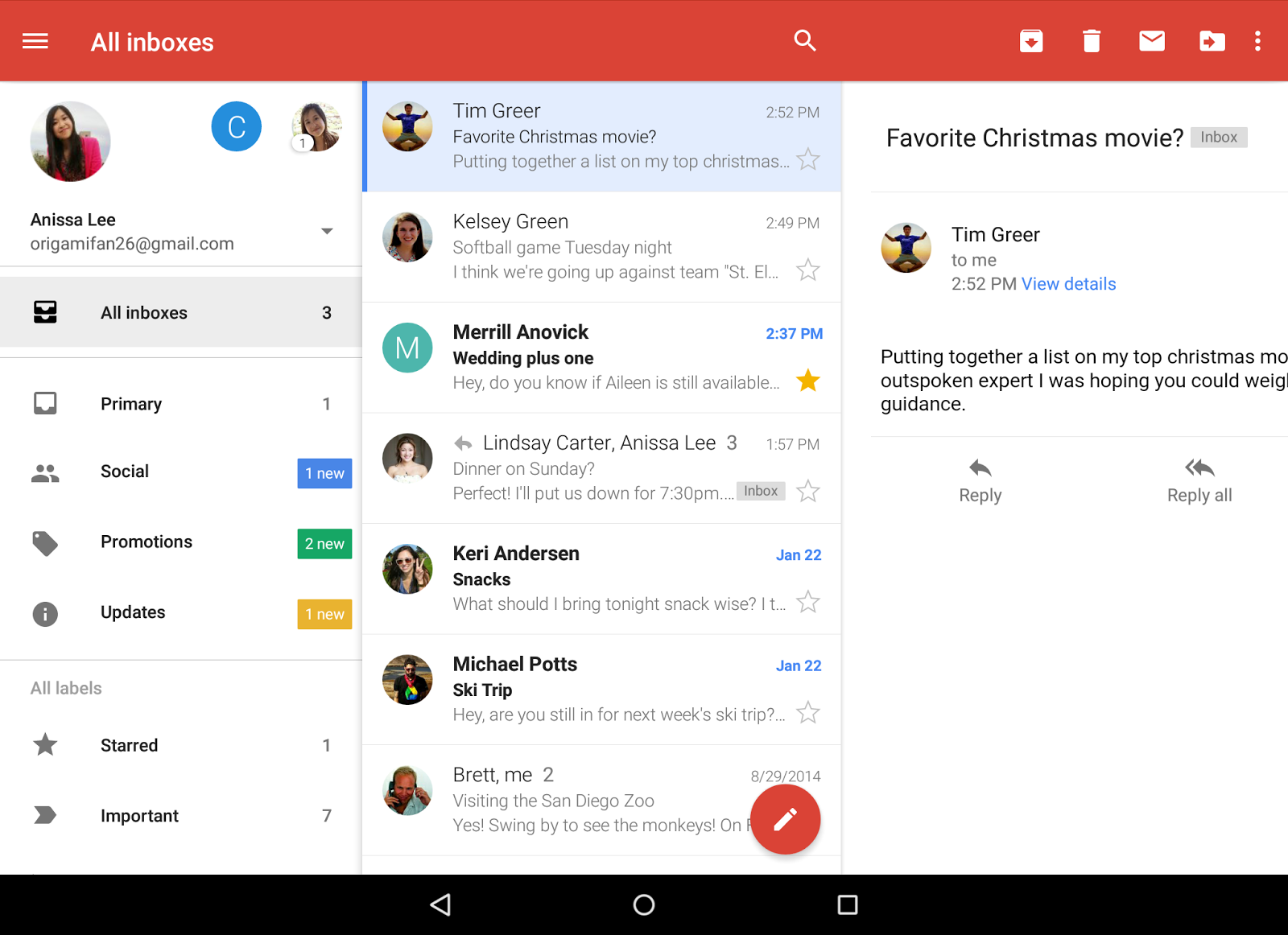
Gmail All Inboxes View tablet


Last year we saw Gmail updated to version 5.0 with the ability to add inboxes from Yahoo, Outlook, or any other POP/IMAP email accounts. It was a pretty big move, but one that may have been a little too light on security for some folks.


Today, Google has announced that they’ve officially brought Oauth support to Yahoo and Microsoft accounts. This means anyone using these can take advantage of added security features like 2-step verification and/or account recovery. It’s already available in the latest Gmail update which is already rolling out on the Google Play Store.


Download link provided below for your convenience.


[Google]


Phan Favs: What is the best email app for Android? [VOTE]


PhanFavsEMAIL


Phan Favs is a recurring feature that turns the tables and asks you, the readers, about the best apps and games. It’s your turn to drop some knowledge on us! Read more.


It’s been a while, but we’re back with another edition of Phan Favs. This time we’re asking you about the thing most people hate: email. When email was first invented it was supposed to be this amazing thing to make our lives easier. In many ways it has, but it also made our lives more cluttered.


This is why email apps are so important these days, and why there are so many to choose from. Picking a service, like Gmail or Outlook, is just the first step. Finding an app that handles all the mail for you is even more important. Some apps try to only show you the important messages, others urge you to get to “Inbox Zero.”


How to vote


We want to know what email app you use! Select the app you use in the poll below. If your app is not listed write the name in the “Other” box (as it appears on the Play Store).


Next week we will compile the results and release the top five apps according to your votes. In order to get a good sample size we need your help in sharing this poll. Click right here to tweet about it. Let the voting begin!