Affichage des articles dont le libellé est create. Afficher tous les articles

lundi 6 juillet 2015

Create your own Sense 7 themes for the HTC One M9 using their handy web tool


HTC Themes landing


If you’ve got a little time to kill this weekend, why not create a theme for the now available HTC One M9? HTC recently launched a handy web tool which allows anyone — both novices and pros alike — to build their own Sense 7 theme. The site is pretty intuitive and easy to use, while at the same time providing enough customizable UI elements that you can take it as far as you’d like.


HTC Themes 2


You can pick different wallpapers (or your own) for placement on several HTC apps: home screen, lock screen, app drawer, Dot View app, or messaging apps — then tweak all the colors and icons to your liking. From there, you can even change up the sounds and font, then save everything to your account and post online for other Sense 7 users to download. Veteran themers can try out HTC Themes’ Maker Pro section to really get in depth.


According the landing page, HTC Themes will soon have its own app for theme creation on the go, although it’s currently linking to the BlinkFeed app on Google Play. In either case, HTC Themes is something to check out while you debate picking up an HTC One M9.


[HTC Themes]


How to create custom themes on the HTC One M9 [VIDEO]


In our hands-on with the HTC One M9 we talked about the new software features in Sense 7. They added a new widget that identifies where you are and shows the apps you will need, smart folders, and a cool new way to create custom themes. HTC has used themes in the past, but in Sense 7 they’re making it really easy for everyone to create super personalized themes.


The HTC One M9 comes with a bunch of pre-installed themes out of the box, but if you’re not a fan of those you can create your own. In fact, Sense 7 can create a personalized theme for you. All you have to do is take a photo. Sense will then identify colors from that photo and change accent colors, icons, and even system sounds. Here you can see a theme Chris made from a photo of flowers.


HTC-One-M9-Custom-Theme-Final


As we mentioned above, there are a number of pre-installed themes to choose from. You can see all of them right here. We love the level of customization HTC has added to Sense. Android is great for customizing, and this makes it really easy. Check out the video above to see how to create a custom theme from a photo. Would you use this feature?


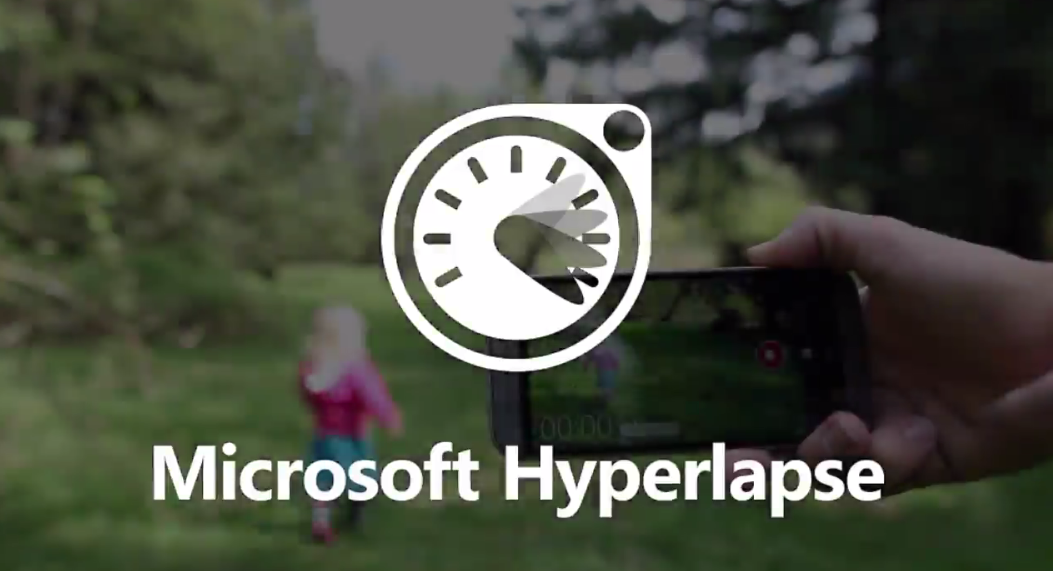
Microsoft Hyperlapse for Android lets you easily create smooth time lapse videos


microsoft hyperlapse header


Microsoft has a new app on the Google Play store if you don’t mind enrolling in a beta test. It’s Hyperlapse, their video recording app that lets you easily create smooth time laps videos.


“Big deal, I can speed up any video” you might think, but there’s more at work here than a simple fast forward feature. Microsoft researches have created an algorithm that’ll make a 3D map of the landscape throughout an entire video and analyze each and every frame. From there, it selects the best frames that will make for the smoothest transitions throughout the timelapse and stitch them together.


What this does is eliminate the weird shaky camera effect you get from typical moving timelapse videos to create a smoother experience, and not one that’s “unwatchable” (by Microsoft’s standards).


The technology was only intended to be used in the professional scene, but Microsoft feels so good about what they have that they’re bringing it for consumers, creators and businesses alike. Those hoping to try it on Android can simply join the beta community on Google+ right here and enroll right here, though note you’ll have to be on at least Android 4.4 KitKat with the following smartphones:


Microsoft says they’ll look to add more over time, but this is it for the time being. Be sure to give it a go, and feel free to share your time lapse creations once you’ve taken it for a spin!