Affichage des articles dont le libellé est easily. Afficher tous les articles

lundi 6 juillet 2015

The Verizon logo comes off the Nexus 6 so easily, there’s no reason to b*tch about it


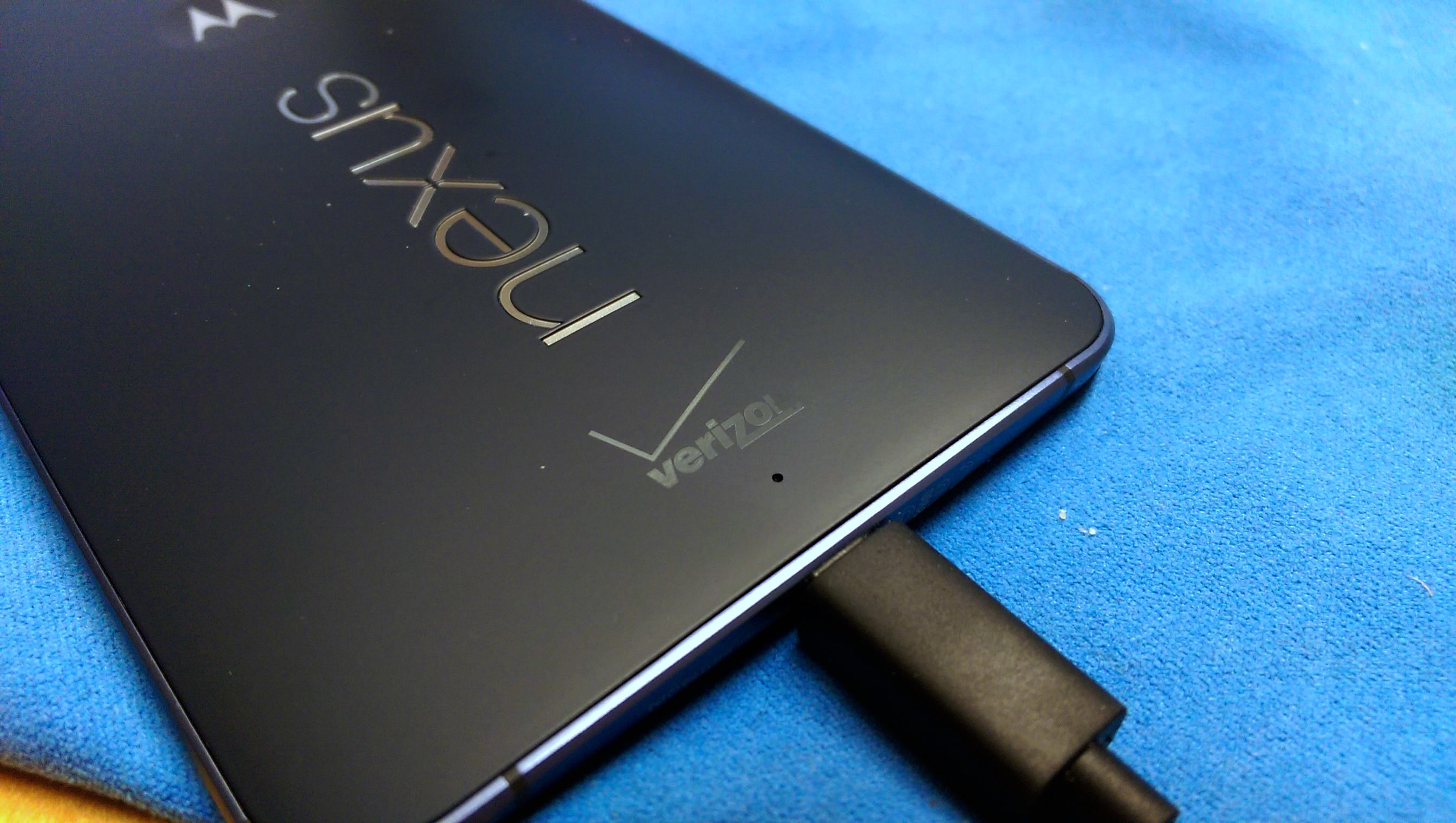
Verizon Nexus 6 logo before


Before: you can see the Verizon logo already wearing away


For all the fuss people make around Verizon branding their beloved Android devices, they’re not all that hard to remove. Well, when it comes to the Verizon Nexus 6 anyway.


We’ve heard reports about the Verizon logo coming off with a a little elbow grease and nail polish remover on other devices, but would you believe you only need a fingernail to get that nasty branding off your Nexus 6?


That’s what one Nexus 6 owner is reporting on Reddit, using only his fingernail (as well as a paperclip to speed things along, and alcohol for clean up) to completely remove the Verizon logo from his Nexus 6.
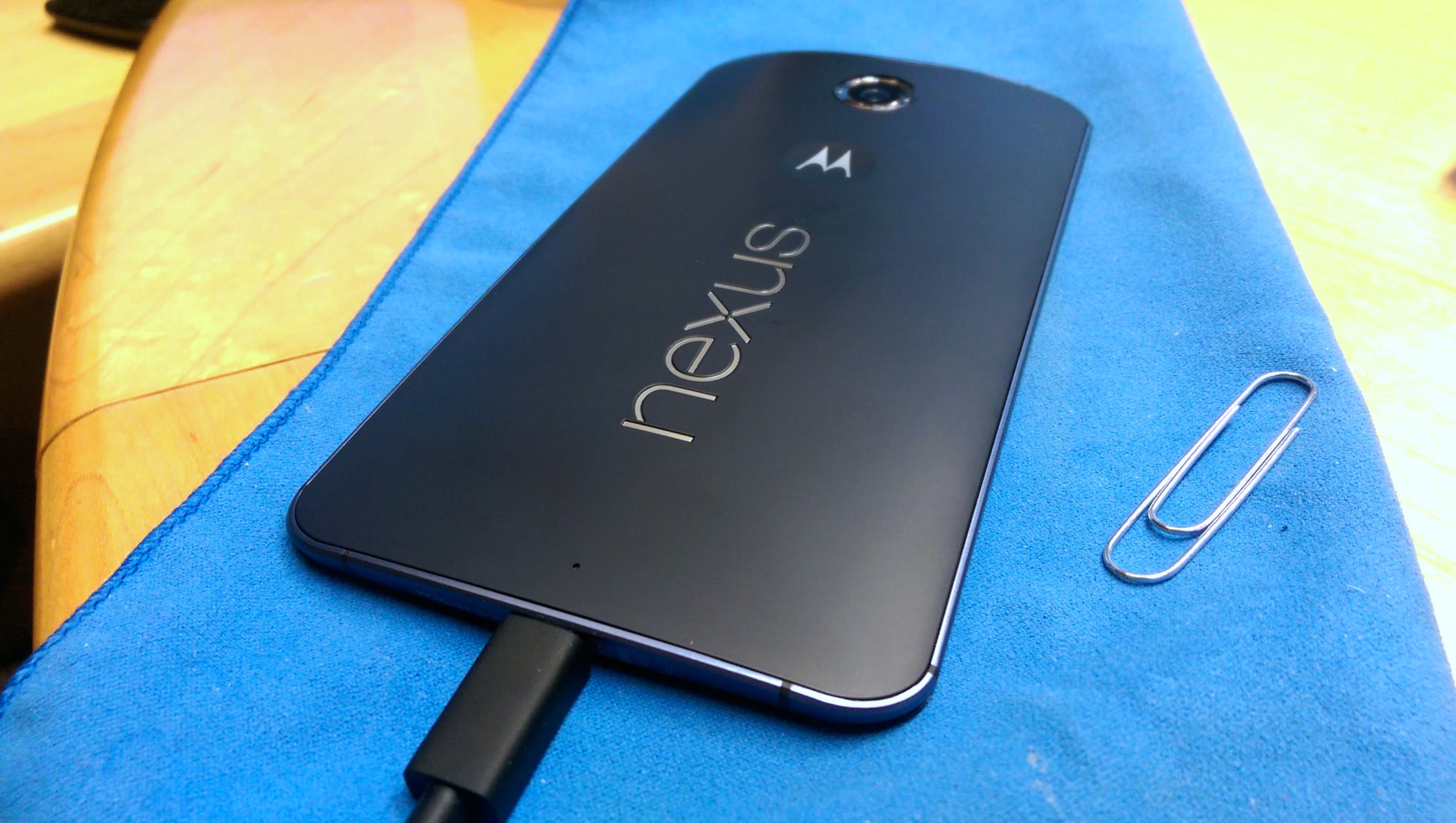

Verizon Nexus 6 after


After: clean with no visible markings or leftovers


The end result? A beautifully unbranded Sexus Nexus. Just like the real thing. Anyone with a Verizon Nexus 6 willing to give this a shot?



Microsoft Hyperlapse for Android lets you easily create smooth time lapse videos


microsoft hyperlapse header


Microsoft has a new app on the Google Play store if you don’t mind enrolling in a beta test. It’s Hyperlapse, their video recording app that lets you easily create smooth time laps videos.


“Big deal, I can speed up any video” you might think, but there’s more at work here than a simple fast forward feature. Microsoft researches have created an algorithm that’ll make a 3D map of the landscape throughout an entire video and analyze each and every frame. From there, it selects the best frames that will make for the smoothest transitions throughout the timelapse and stitch them together.


What this does is eliminate the weird shaky camera effect you get from typical moving timelapse videos to create a smoother experience, and not one that’s “unwatchable” (by Microsoft’s standards).


The technology was only intended to be used in the professional scene, but Microsoft feels so good about what they have that they’re bringing it for consumers, creators and businesses alike. Those hoping to try it on Android can simply join the beta community on Google+ right here and enroll right here, though note you’ll have to be on at least Android 4.4 KitKat with the following smartphones:


Microsoft says they’ll look to add more over time, but this is it for the time being. Be sure to give it a go, and feel free to share your time lapse creations once you’ve taken it for a spin!